More parts sold, fewer returns
Customers point at the part instead of guessing a number. Wrong orders drop and parts get bought from you, not from a copy.
Spare parts, service and training from one 3D model. Anipart turns the CAD and product data you already have into an interactive aftermarket your customers, technicians and dealers can explore, understand and order from.
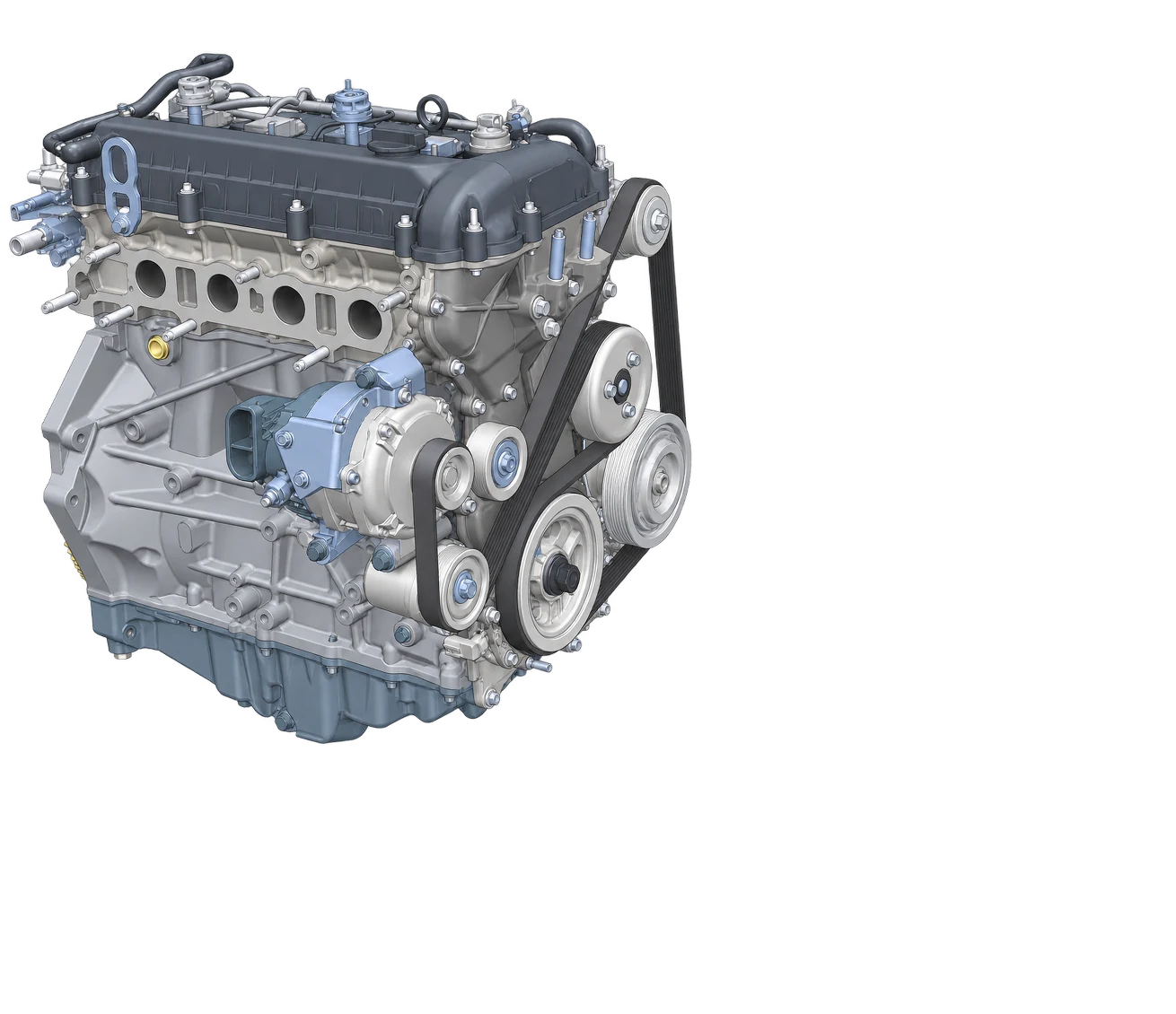
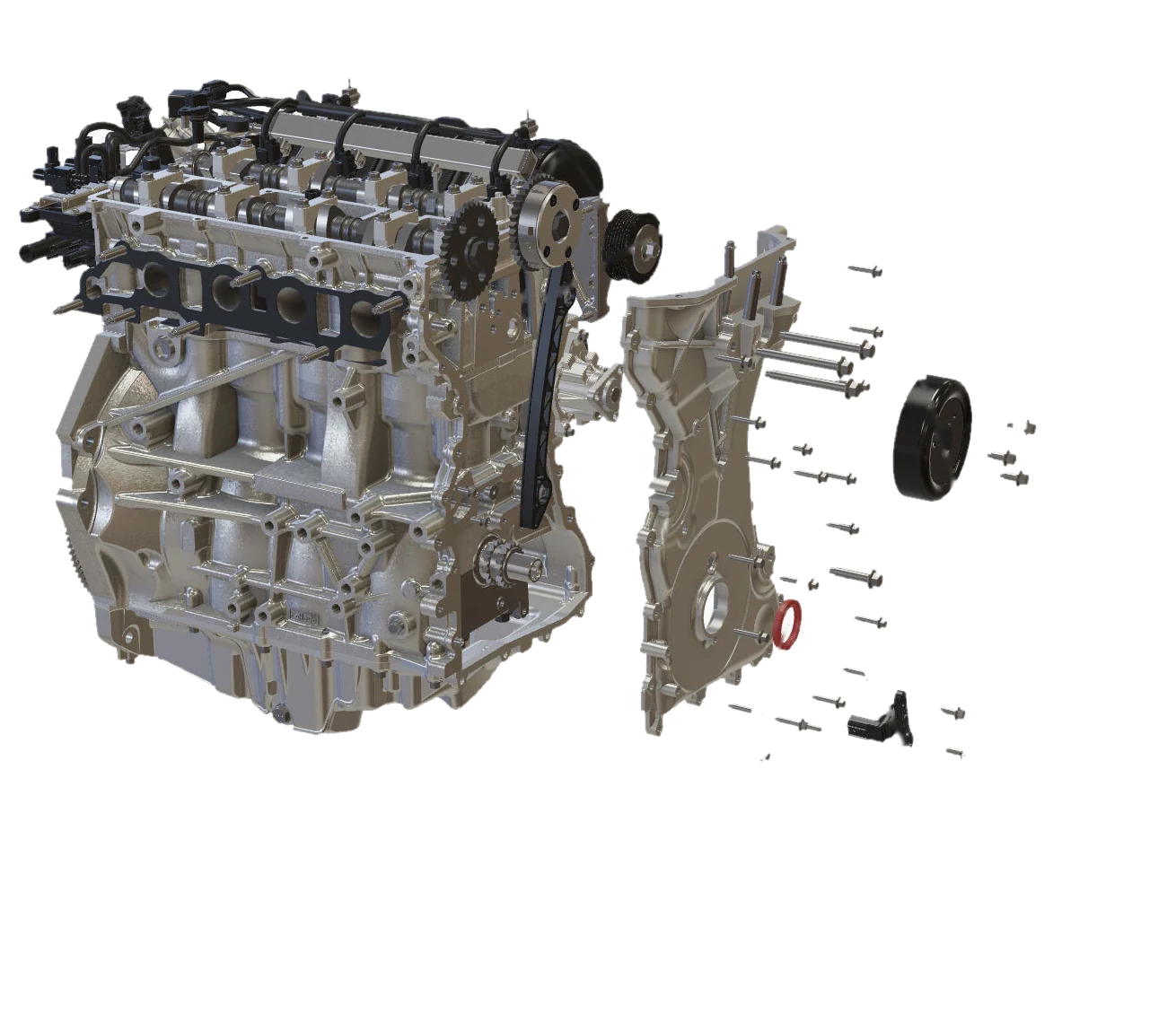
Wrong parts, slow service and technicians who learn on the job all cost money. Anipart removes the guesswork across the aftermarket, starting with the product itself.
Customers point at the part instead of guessing a number. Wrong orders drop and parts get bought from you, not from a copy.
Technicians see the procedure on the actual machine. Shorter jobs, fewer return visits and less load on your support.
Staff, dealers and customers learn the product digitally, even before it has been built. Less travel, less downtime.
We do not rebuild your product by hand. Anipart reads geometry, structure and part data from your engineering systems and generates the aftermarket content automatically. That keeps the cost down and the content up to date.
Geometry, assembly structure and part numbers, straight from the systems you already use.
Models are optimised for the web and exploded views are generated from the geometry.
BOM, prices and availability linked from ERP, so every channel shows the same figures.
Parts, service and training in the browser, on any device. When engineering changes, everything follows.
Real-time 3D that customers understand at a glance. On a laptop, a phone or a headset, without installing anything.
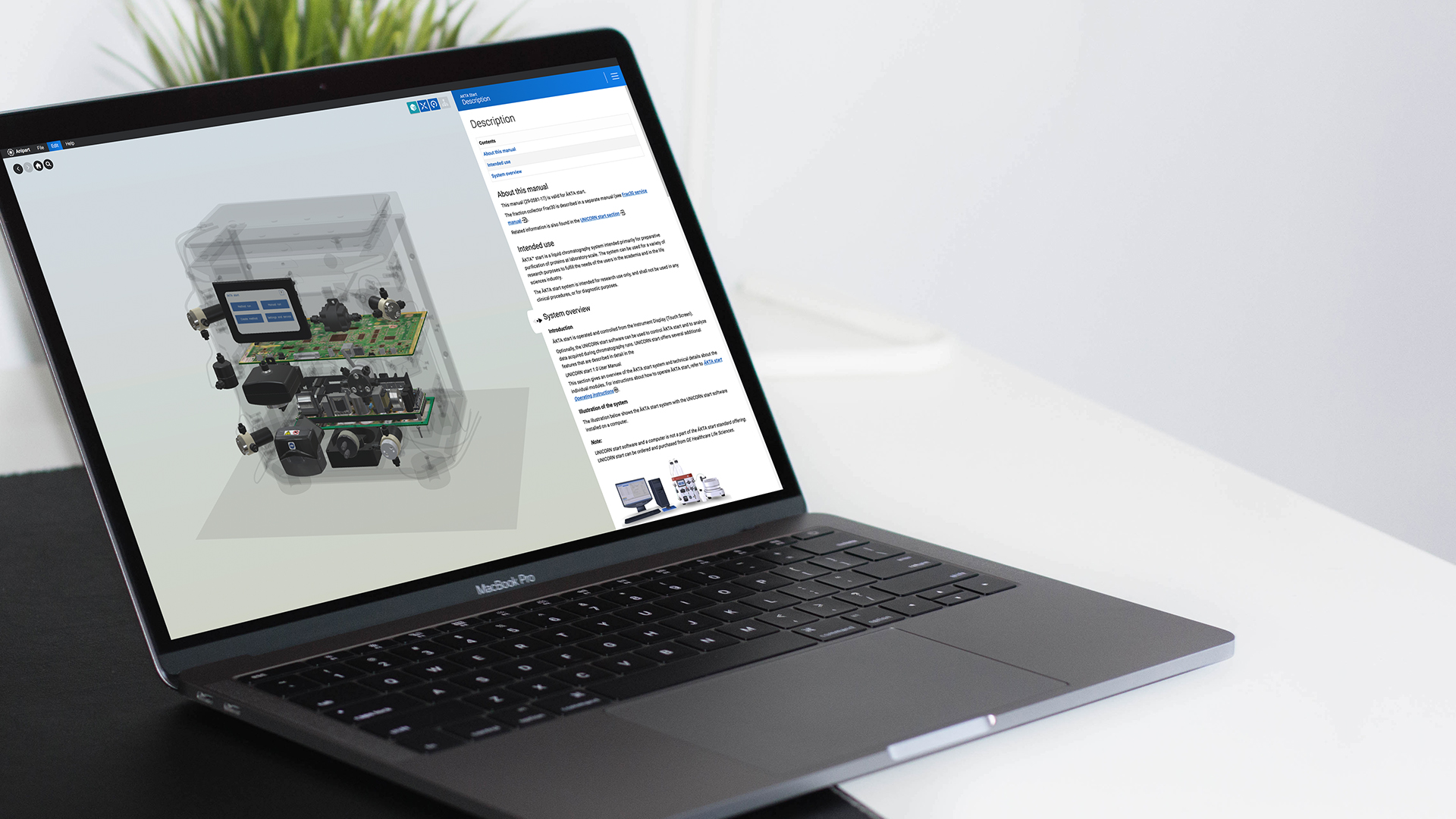
“Our technicians can train even before the product has been manufactured.”
Stefan Eriksson, Service Specialist, Cytiva
Visual identification with part data in context.
Explore → ServiceProcedures connected to the actual product.
Explore → TrainingSystems and components, explored digitally.
Explore → Configured productsAftermarket that knows what was actually sold.
Explore → CAD to aftermarketHow your existing data becomes the catalog.
Explore → Right to RepairParts and instructions customers can actually use.
Explore →Spare parts, service, training, data and payback.
Anipart is an interactive 3D platform for the whole aftermarket. One digital twin of your product, built from CAD, PDM and PLM data, powers the spare parts catalog, service instructions and training.
A spare parts catalog where the product itself is the search. Customers and technicians rotate the machine, open assemblies and click the component they need. Part number, description, price and availability appear in context, ready to order. Read the guide
CAD and the assembly structure from your PDM or PLM system are the best foundation, together with part numbers and BOM data. If the data is not perfect, we assess it in an initial analysis and show what is needed.
By automating. Geometry, structure and part data are read from your engineering systems and the 3D content and exploded views are generated from them. That means less manual modelling and a catalog that updates when the product changes.
It depends on your parts volume, return rate and support load. The logic is simple: fewer wrong orders, fewer support cases and more parts sold through your own channel. In a demo we go through your numbers and build the case together.
Yes. Prices and stock levels can be read from your ERP or business system, and selected parts can be handed over to your web shop or ordering flow.
No. Anipart runs in the browser with WebGL on desktop, tablet and mobile.
Manufacturers of complex machines and equipment that want to sell more spare parts and make service and training easier. Cytiva, for example, uses Anipart so technicians can train before the product has even been manufactured.
30 minutes, your product, your parts data. We show the catalog and walk through the business case with you.
30 minutes online. We walk through your product, your parts data and your ordering flow.