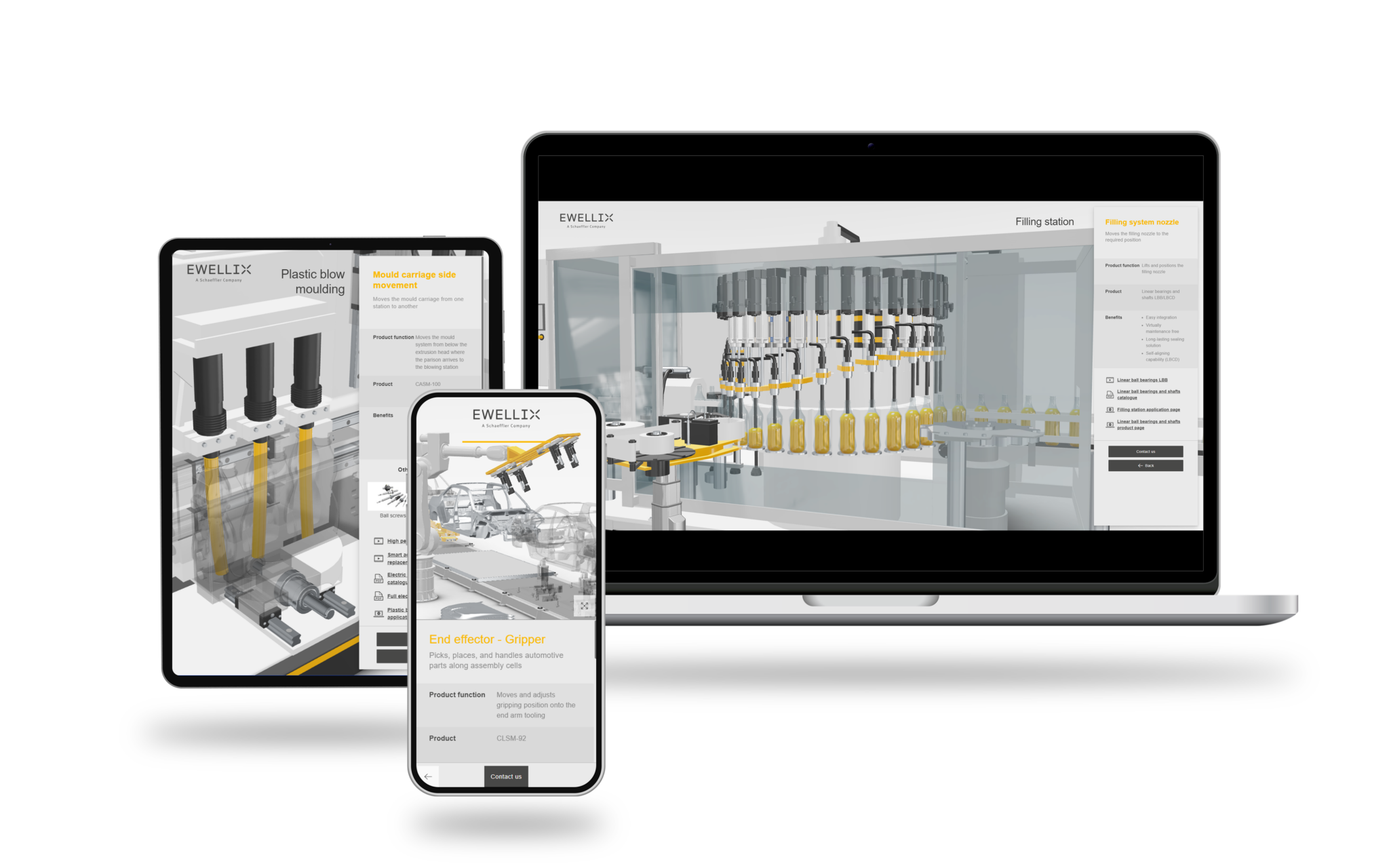
Aniconfigurator · Integrations
Connect the configurator
to the systems behind it.
A finished configuration carries selections, article numbers, pricing and BOM data. Aniconfigurator passes it on to your CRM, ERP, PIM and webshop, so it does not end at the screen.
The problemA configuration that
A configuration that
stops at the screen.
A visual configurator is only useful commercially if the information can continue through the business.
A vague request for more information
Sales receives a request instead of the complete configuration the customer made.
Another isolated source of product truth
Product data, prices and assets end up maintained in one more place.
Orders that need checking
Valid selections and item numbers do not reach order management without manual work.
What it connectsBuilt to fit the systems
Built to fit the systems
you already use.
The main connections, with examples of systems we work with.
CRM and quotation
Send configuration, price and customer selections straight into your quotation workflow. Salesforce, HubSpot, Dynamics 365 or a custom CRM.
ERP and order management
Transfer valid selections, item numbers, pricing and quantities to sales, operations and production. Oracle, Visma and Jeeves.
PIM and product data
Use the product information, pricing and digital assets you already maintain instead of another isolated source.
E-commerce and APIsCart, checkout
Cart, checkout
and open APIs.
Move from a valid configuration into cart, checkout or another purchase flow in Shopify, WooCommerce or Magento. An open API connects other systems and data sources.
What moves between systemsOne configuration,
One configuration,
all the data it needs.
The same configuration can become the starting point for a quote, an order or a production process.
- Product selections
- Article numbers
- Pricing
- Dynamic BOM information
- Quantities and order data
How it fitsFrom selection
From selection
to the next step.
01
Configure
The customer makes a valid selection in real-time 3D.
02
Exchange
Selections, article numbers, pricing and BOM data are passed to your systems.
03
Continue
A quote, an order or a production process starts from the same configuration.
Frequently asked questionsIntegrations
Integrations
with Aniconfigurator
Common questions about systems, data and what stays in place.
Which systems can Aniconfigurator connect to?
We work with CRM systems such as Salesforce, HubSpot and Dynamics 365, ERP systems such as Oracle, Visma and Jeeves, PIM and product databases, and webshops such as Shopify, WooCommerce and Magento. An open API covers other systems.
Do we need to replace our existing systems?
No. The configurator connects to what you already use, and your systems keep doing what they are good at.
What data can be exchanged?
Product selections, article numbers, pricing, dynamic BOM information and other data needed later in the sales and order process.
Can it connect to a custom or in-house system?
Yes, through the open API. Book a demo and tell us which systems you run.
Will the customer notice the integrations?
The customer sees one coherent buying experience. The systems behind it work in the background.
Next stepTell us which systems
Tell us which systems
you run.
Book a demo and bring your system list. We will show how a configuration could flow through your setup.
Book a demo
Pick a time that suits you.
30 minutes online. We walk through your product and how the configuration could reach your systems.
- Live in the browser, no preparation needed
- Bring a product and we show it in 3D
- You leave with a clear next step