Only the parts that fit
Customers see their own configuration, not every variant in the catalogue.
Every machine is delivered in its own configuration. Anipart shows the customer exactly that machine, with only the parts that fit, built from your order, PDM and PLM data.
Runs in the cloud, on prem or offline.
When every machine is unique, a generic catalogue becomes a guessing game. Anipart lets the sale decide what the aftermarket shows.
Customers see their own configuration, not every variant in the catalogue.
No guessing between variants means fewer returns, credits and reshipments.
The configuration from the sale follows the product through its life, for service and parts.
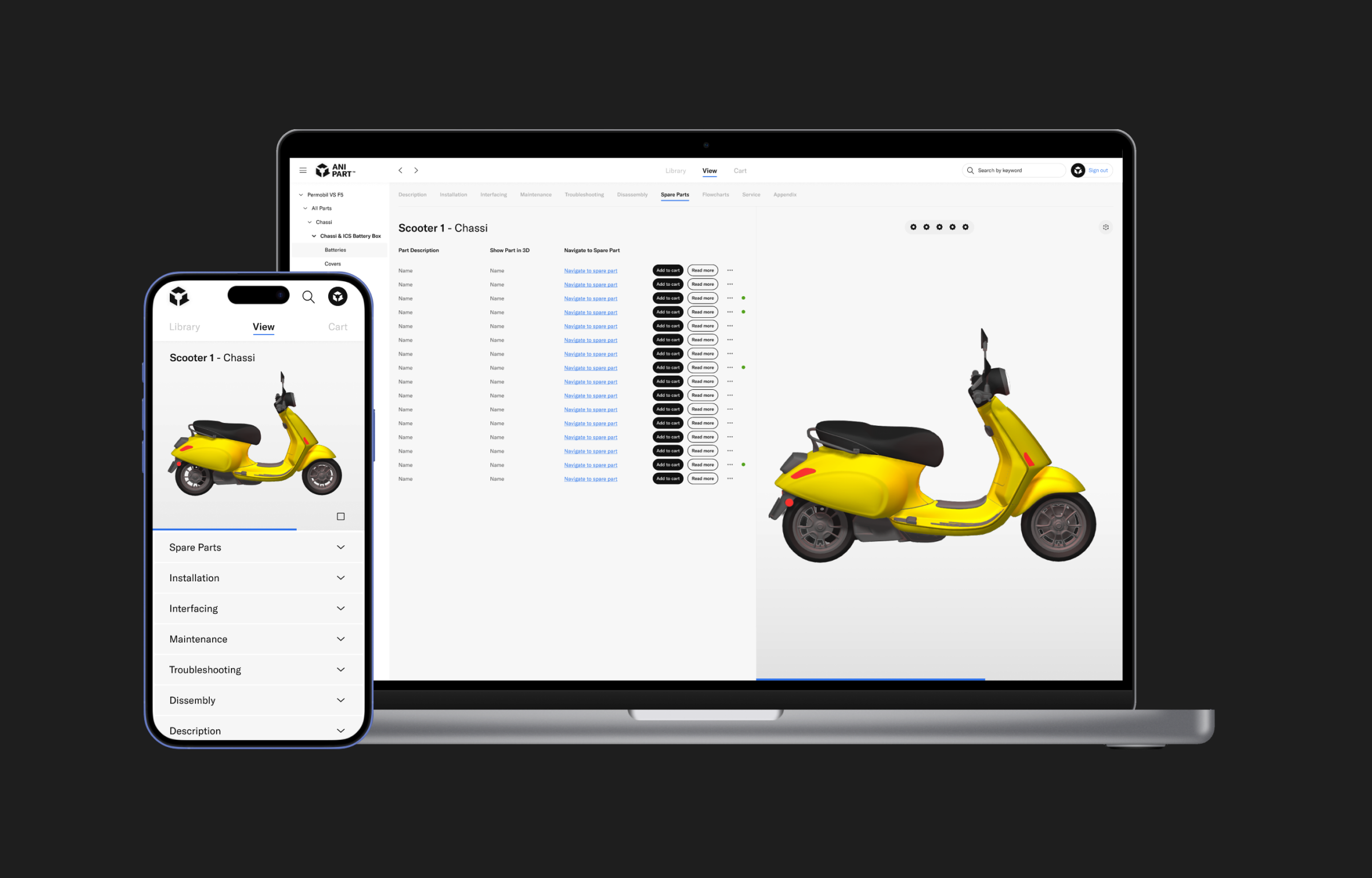
Look up the product by order or serial number, and Anipart loads the configuration that was actually sold, in 3D, with the right options and components.
Spare parts lists and exploded views follow the configuration. A petrol and an electric version of the same product show different components, and different parts. That keeps configured products simple to service.
When configurator and aftermarket share the same product logic, the choices made at the time of sale follow the product through its whole life. Aniconfigurator is supported as standard, and other configurators can be connected through a custom integration.
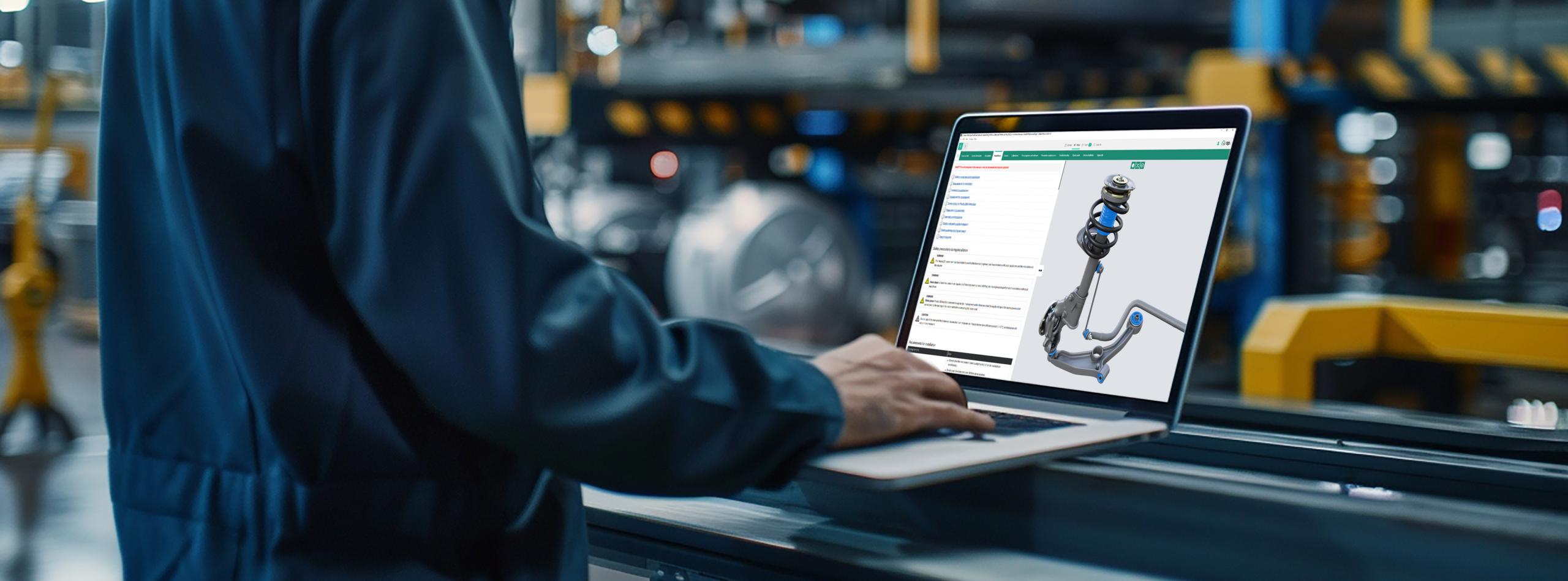
See how visual identification, exploded views and ordering work in Anipart.
We do not rebuild your product by hand. Geometry, structure and part data come from your PDM and PLM systems, and the content is generated from the same data. That keeps the cost down and the material up to date.
Geometry, structure and part numbers, straight from the systems you already use.
Models are optimised for the web and exploded views are generated from the geometry.
The configuration from CPQ or ERP decides which variant and which parts are shown.
Customers and technicians see the machine as it was delivered. When engineering changes, it follows.
The link between configuration and delivered product is set up as part of the integration, adapted to how your systems store orders and serial numbers.
Aniconfigurator as standard, other configurators via custom integration
Order numbers, serial numbers and item numbers
Webshop, dealer portal or service portal
Common questions about configuration data, orders and variants.
No. Anipart connects to Aniconfigurator as standard, and to other configurators through a custom integration.
Through the order or serial number. The link is set up in the integration with your order management or ERP system.
Yes. Anipart runs in the browser, but it does not depend on the internet. You can run it in the cloud, on premise on your own servers, or offline, for example in a workshop, on board a vessel or at a customer site without a connection. Your product data can stay inside your own environment.
The stored configuration can be updated as part of the integration, so aftermarket reflects the machine as it is today.
Yes, if you give them access. Access is controlled per user, group and content package in Anipart Dashboard.
Yes, as long as the configuration data for those products exists in your systems.
It depends on how many variants you sell and how often the wrong part is ordered today. The more variants, the more guessing Anipart removes. In a demo we go through your numbers and build the case together.
Book a demo and we’ll look at how your configurations and order data could follow the product into aftermarket.
We walk through your product, your parts data and your ordering flow, and come back with a clear next step.
Prefer to pick a time?
We use your details to respond to your request and keep them for up to 24 months after our last contact. Read more in our privacy policy.