Shorter service jobs
Technicians see the step on the actual machine instead of interpreting text and flat images. Less time understanding, more time fixing.
See how the job is done, before the technician picks up a tool. Anipart connects procedures, animations and spare parts directly to the product, built on the CAD and product data you already have.
Runs in the cloud, on prem or offline.
Long jobs, return visits and technicians learning on site all cost money. Anipart makes every step clear the first time.
Technicians see the step on the actual machine instead of interpreting text and flat images. Less time understanding, more time fixing.
Clear steps with the right tools and the right parts mean fewer mistakes, fewer return visits and happier customers.
New technicians and partners become self-sufficient faster. Your most experienced people can focus on the hard cases.
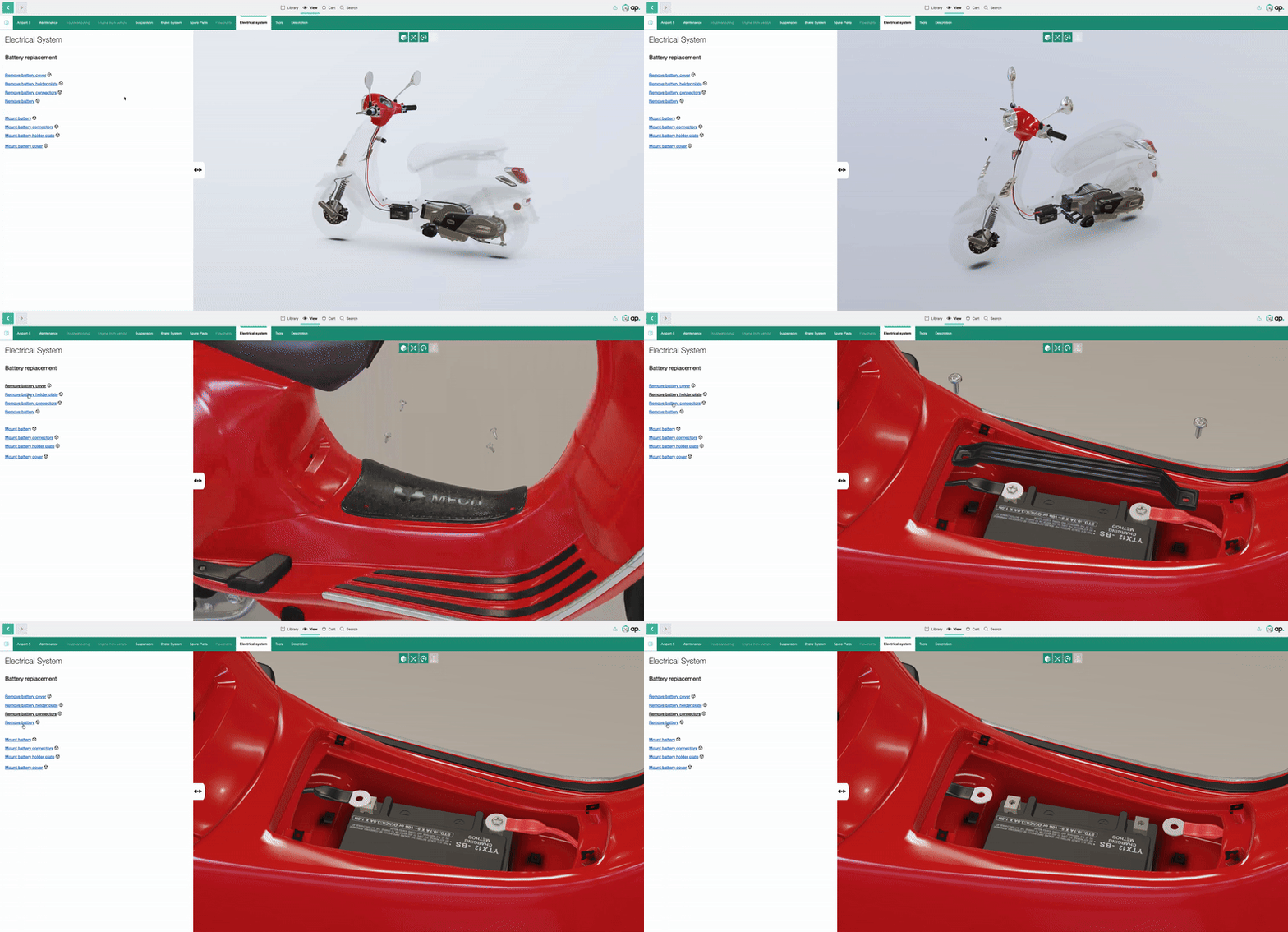
Service procedures are connected to the components they concern. Technicians follow animated steps, rotate the model and zoom in wherever they need to.
Each step can carry text, images, documents and the spare parts involved. Technicians get what they need without switching between manuals, portals and parts lists.
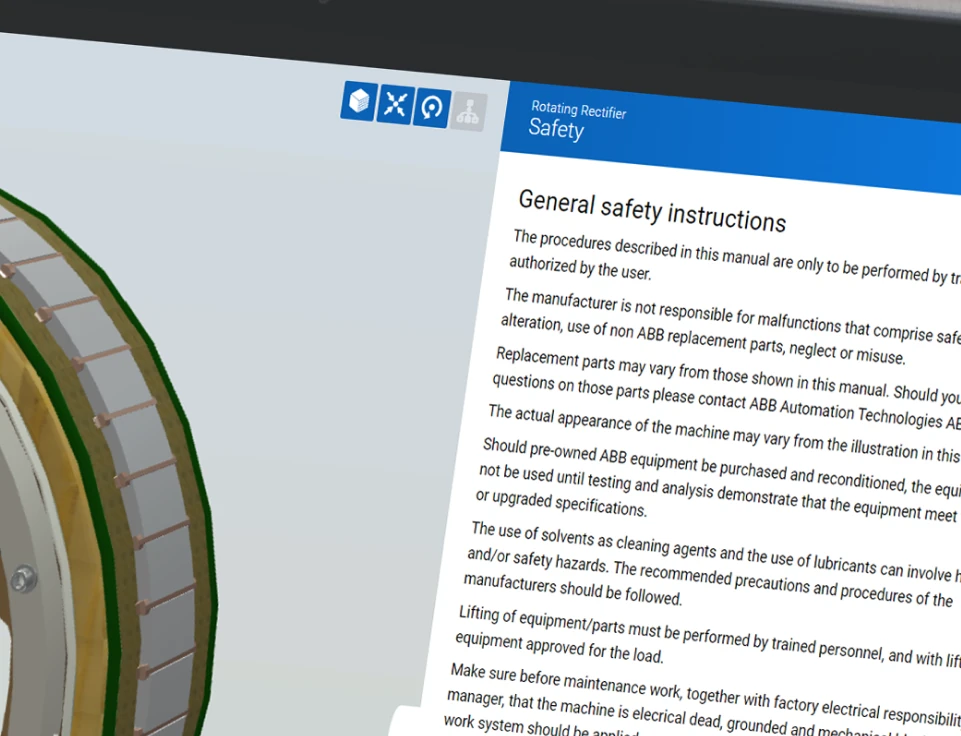
Replace a 3D object and the new one takes over the properties of the old one. Animations and links don’t have to be rebuilt, which makes updates far easier than re-recording a film.
Procedures run on any device with a browser, and in XR headsets, so the same instructions follow the technician from the office to the customer site.

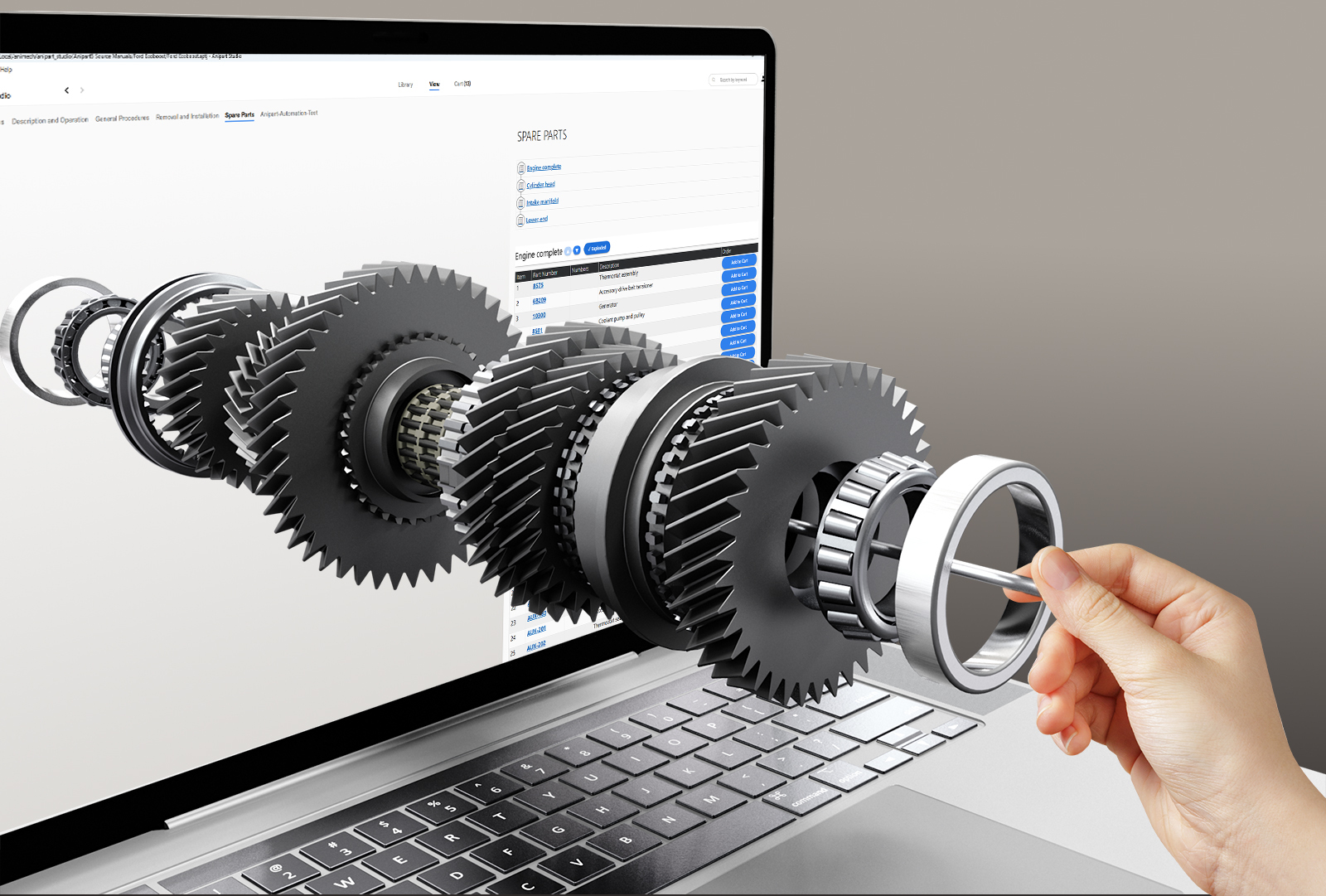
What you build for service is reused in the spare parts catalog and in training. One investment, several uses.
We do not rebuild your product by hand. Geometry, structure and part data come from your PDM and PLM systems, and the service content is built on the same data. That keeps the cost down and the procedures up to date.
Geometry, structure and part numbers, straight from the systems you already use.
Models are optimised for the web and exploded views are generated from the geometry.
Steps, animations and information are built in Anipart Studio, linked to the right parts.
Technicians and partners use them in the Anipart Client. When engineering changes, the procedures follow.
Anipart connects to the systems where product data, spare parts and service information already live.
CAD, PDM, PLM and product structure as the foundation for the model and the procedures.
ERP and spare parts ordering, so the right part can be ordered straight from the step.
Service portals, partner networks and field service, in the browser on any device.
Common questions about creating, updating and distributing procedures.
Your team can create and maintain content in Anipart Studio after training from Animech. We can also help create all or parts of the content.
Yes. Existing PDFs, images and films can be attached to components and steps, and gradually replaced with interactive 3D where it adds most value.
Yes. Anipart runs in the browser, but it does not depend on the internet. You can run it in the cloud, on premise on your own servers, or offline, for example in a workshop, on board a vessel or at a customer site without a connection. Your product data can stay inside your own environment.
Updates are published centrally and reach users automatically the next time they open Anipart.
Yes. Content can be made available offline, so technicians can follow procedures on site without a connection. Updates are picked up the next time the device is online.
Yes. Access is managed per user, group and content package in Anipart Dashboard, so each partner sees only the products they service.
It depends on your number of service jobs, return visits and time spent searching and interpreting. The logic is simple: shorter jobs, fewer mistakes and faster onboarding. In a demo we go through your numbers and build the case together.
Book a demo and we’ll show how Anipart could make your service procedures easier to follow and to maintain.
We walk through your product, your parts data and your ordering flow, and come back with a clear next step.
Prefer to pick a time?
We use your details to respond to your request and keep them for up to 24 months after our last contact. Read more in our privacy policy.