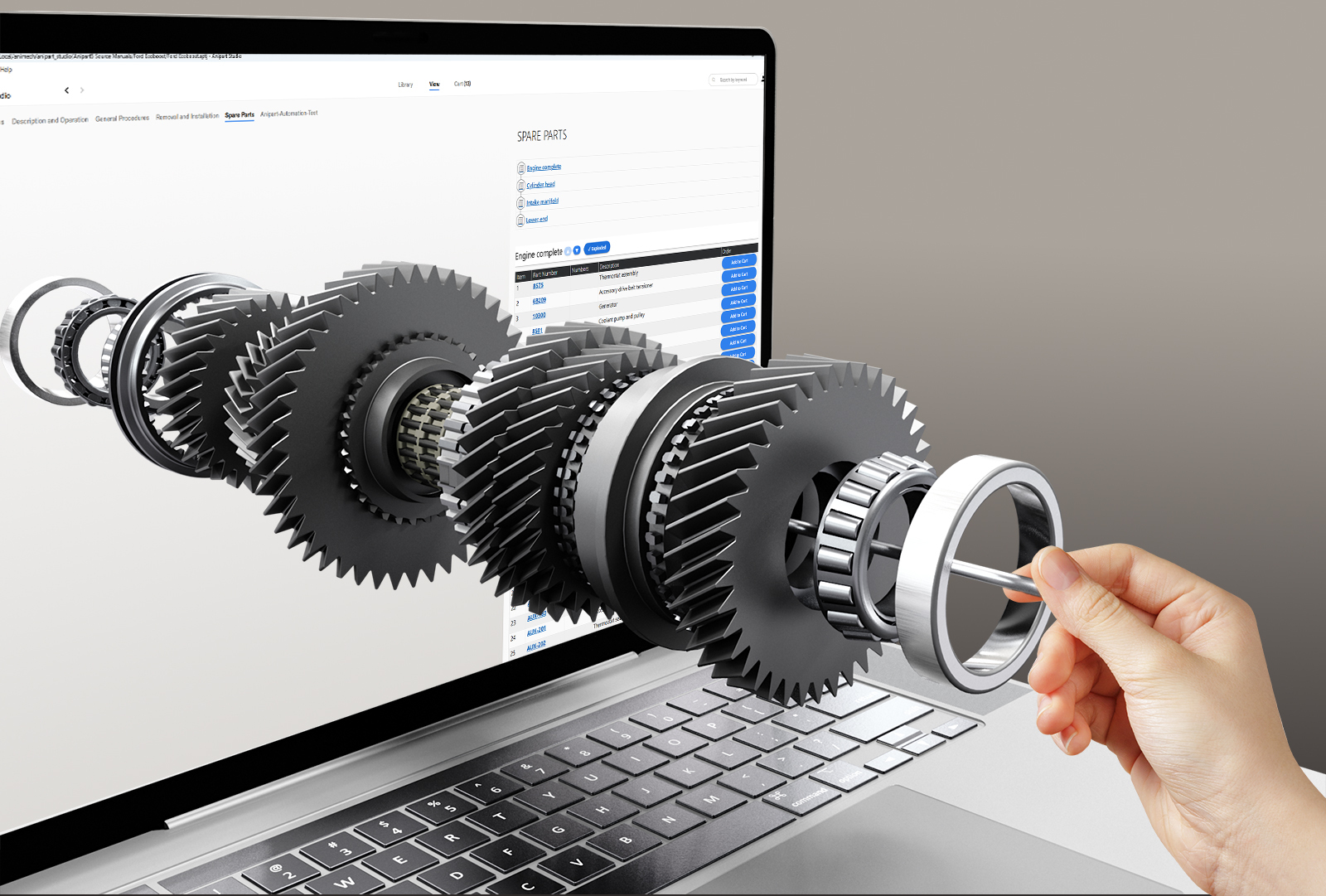
Lower production cost
Content is generated from existing engineering data instead of being modelled again.
Engineering already has the data. Anipart puts your CAD, PDM and PLM data to work in spare parts catalogs, service instructions and training, without rebuilding the product by hand.
Runs in the cloud, on prem or offline.
Rebuilding the product for the aftermarket is slow and expensive. Anipart reuses what engineering has already built.
Content is generated from existing engineering data instead of being modelled again.
When the product changes in PLM, the aftermarket material follows.
Aftermarket content can be ready when the product launches, not months later.

Anipart reads the assembly structure from CAD and turns it into navigable chapters, from the complete product down to individual components.
Imported product data, such as part numbers, descriptions and metadata, is connected to the right components automatically.
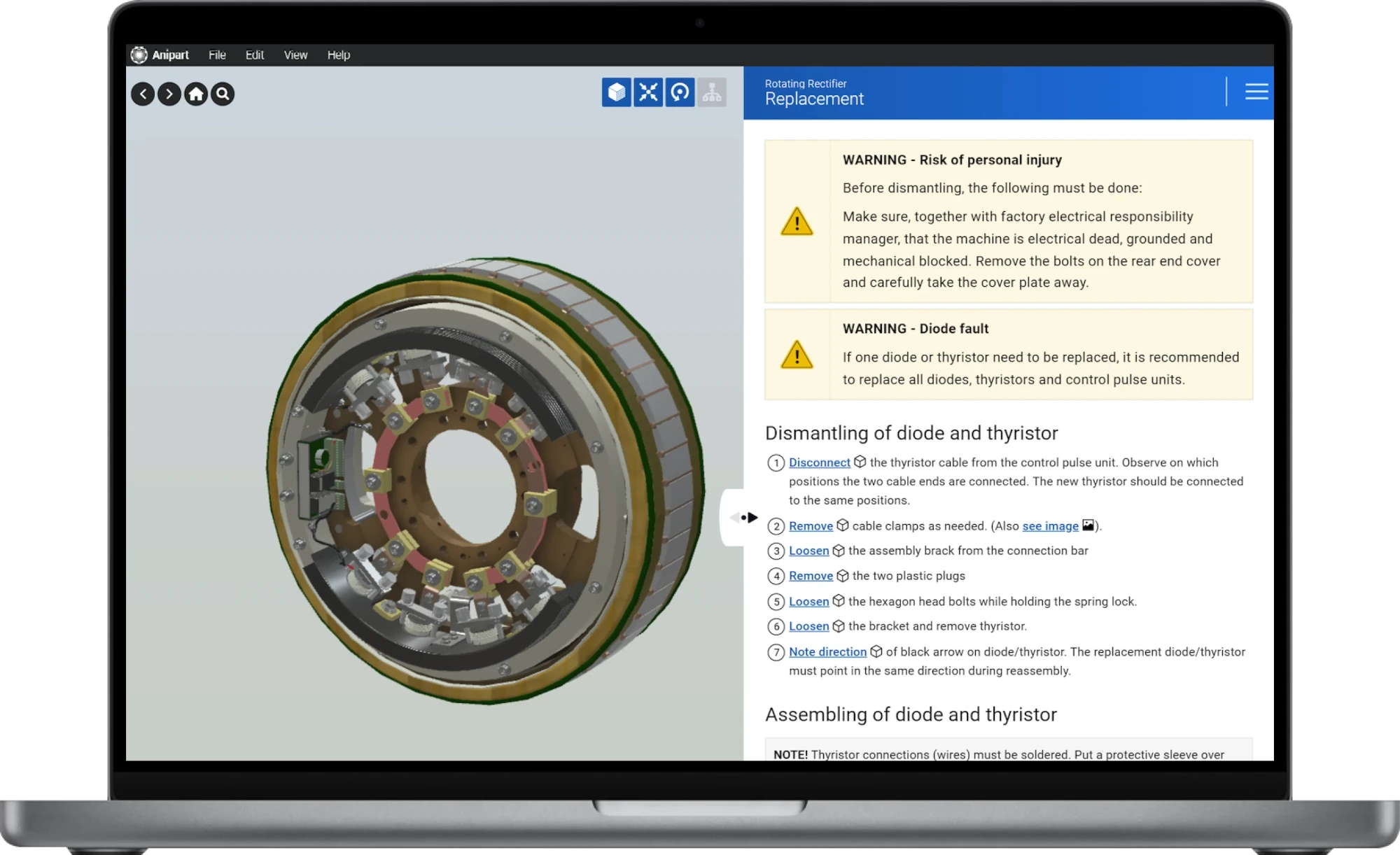
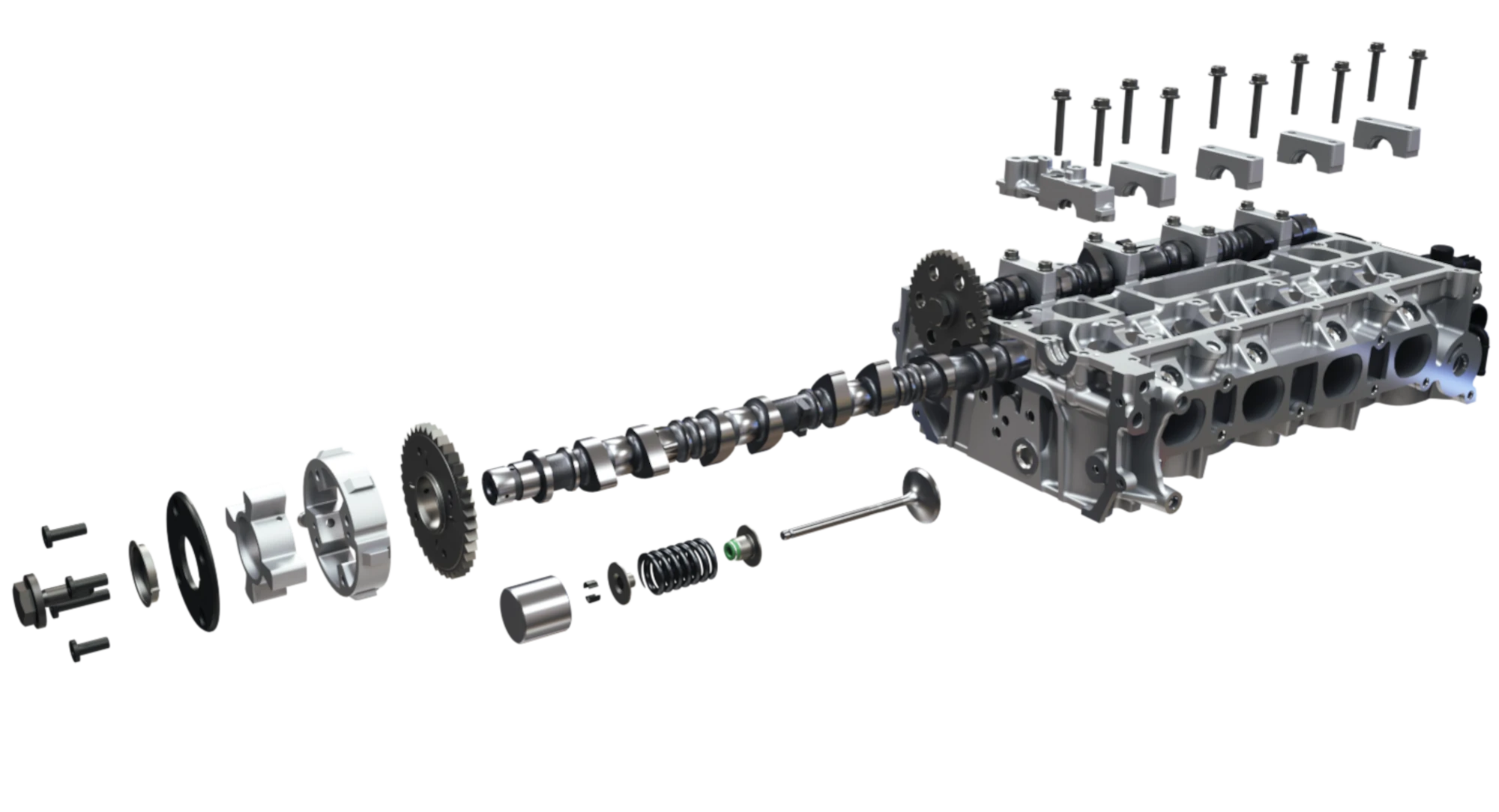
Anipart generates exploded views from the geometry, numbered and linked to the parts list, ready to adjust where needed.
When parts are replaced, a visual matching tool lets new objects take over the properties of the old ones. Animations and links stay intact.
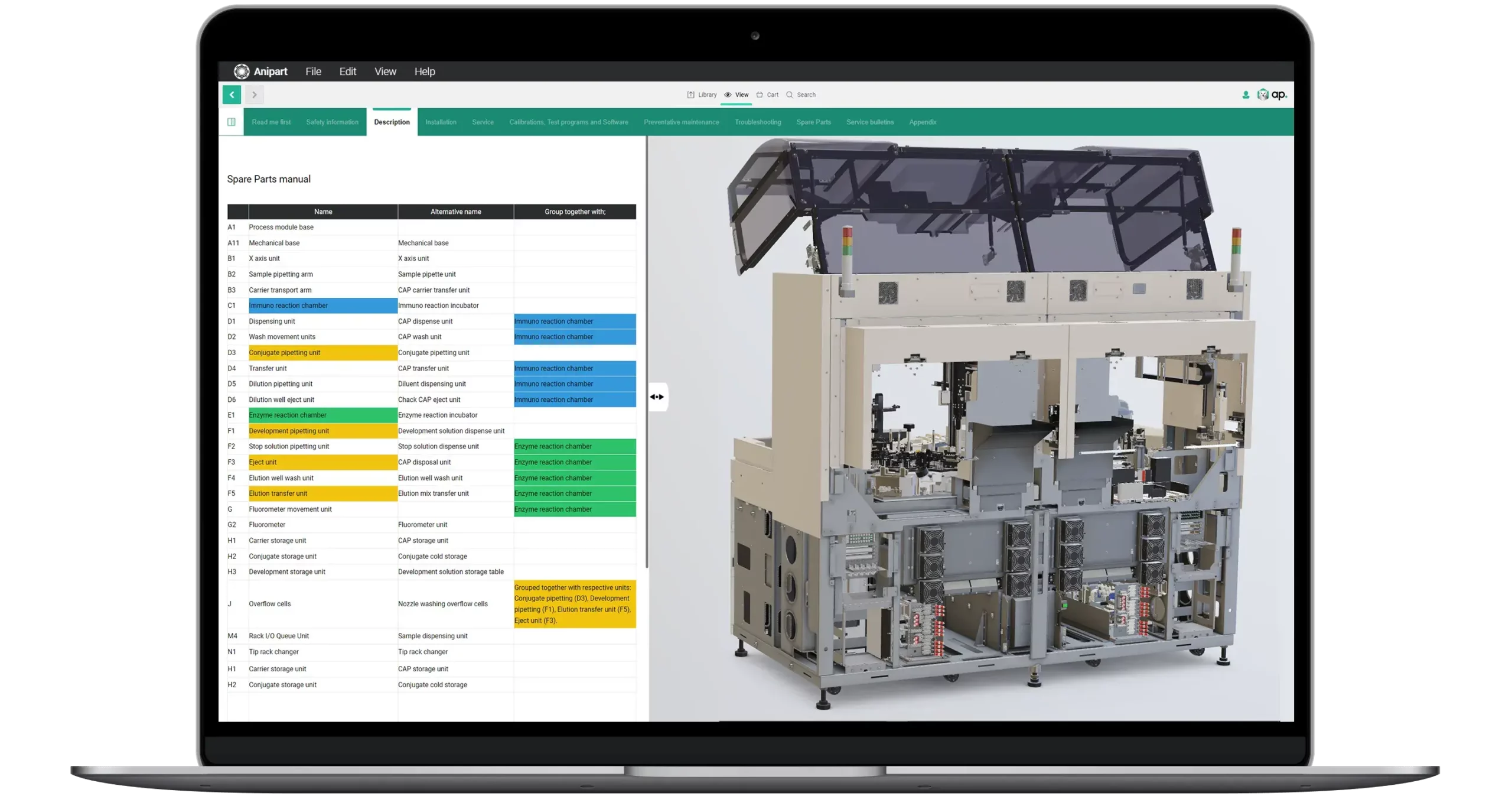
See how Studio, Dashboard and Client work together.
We do not rebuild your product by hand. Geometry, structure and part data come from your PDM and PLM systems, and the content is generated from the same data. That keeps the cost down and the material up to date.
Geometry, structure and part numbers, straight from the systems you already use.
Models are optimised for the web and exploded views are generated from the geometry.
Parts lists, procedures and training are built in Anipart Studio on the same model.
Parts, service and training in the browser, on any device. When engineering changes, everything follows.
CAD is the best starting point. Existing 3D files and product data can also be assessed during an initial analysis.
CAD assemblies or existing 3D files
BOM, part numbers and metadata
Existing manuals, images, films and documents
Common questions about files, data and automation.
Anipart works with common CAD and 3D formats. We confirm the best route for your files during the initial analysis.
Your CAD data stays under your control. Anipart only needs the geometry and structure required for aftermarket use, and models can be simplified or stripped of internal detail before import. Content can be hosted on your own infrastructure, and access to each product is controlled per user, group and content package in Anipart Dashboard.
Yes. Anipart runs in the browser, but it does not depend on the internet. You can run it in the cloud, on premise on your own servers, or offline, for example in a workshop, on board a vessel or at a customer site without a connection. Your product data can stay inside your own environment.
Usually not. Models are optimised for real-time use during import. We review your files in the initial analysis and advise if any preparation is needed.
Changed parts can be matched visually to the ones they replace, so structure, links and animations carry over to the new revision.
Structure, component links and exploded views are generated from the geometry and product data. Procedures and animations are then added in Studio.
It depends on how much aftermarket content you produce and how often the product changes. The logic is simple: every model that does not have to be rebuilt by hand, and every update that follows automatically, lowers the cost. In a demo we go through your numbers.
Book a demo and we’ll look at what Anipart could create from your CAD and product data.
We walk through your product, your parts data and your ordering flow, and come back with a clear next step.
Prefer to pick a time?
We use your details to respond to your request and keep them for up to 24 months after our last contact. Read more in our privacy policy.