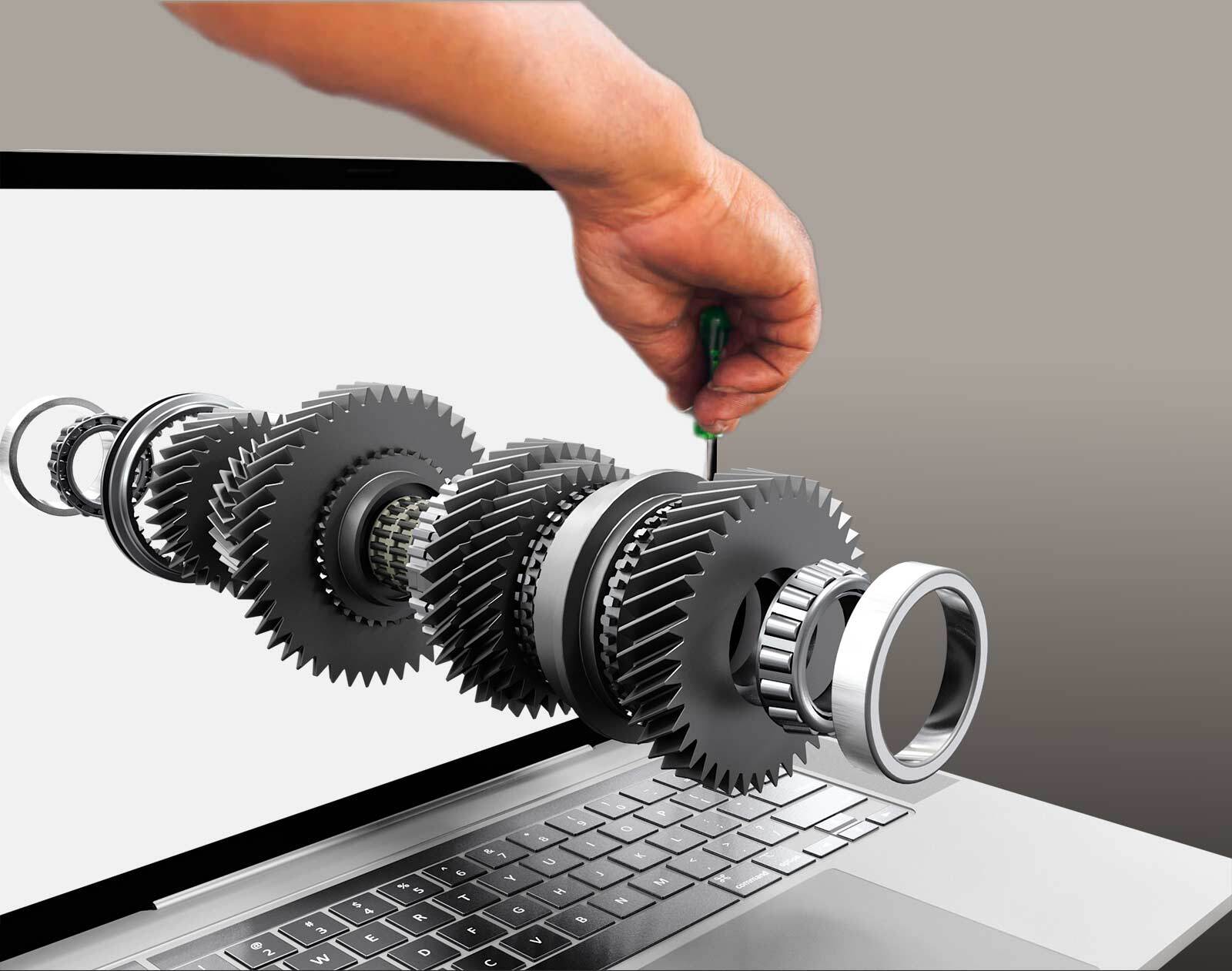
Trained before launch
Teams can learn the product digitally, before the first unit has been built.
Learn the product before standing next to it. Technicians, dealers and customers train on a 3D model built from your CAD, PDM and PLM data, even before the product exists.
Runs in the cloud, on prem or offline.
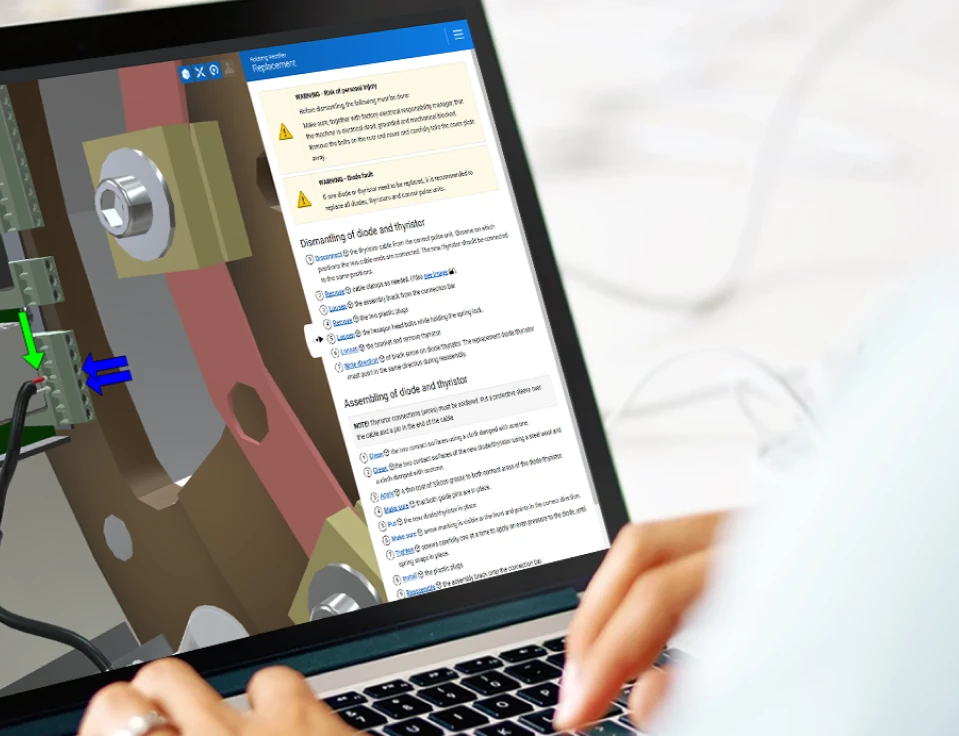
Courses that depend on a physical machine are slow, expensive and hard to scale. Anipart brings the product to every learner.
Teams can learn the product digitally, before the first unit has been built.
No physical machine or trip to the factory is needed for every course.
Everyone learns from the same model and the same procedures, in every market.

Because Anipart builds on CAD, training material can be created before production starts, so technicians are ready when the product reaches the market.
Learners explore systems and components, open assemblies and follow procedures at their own pace, without risk to a real product.
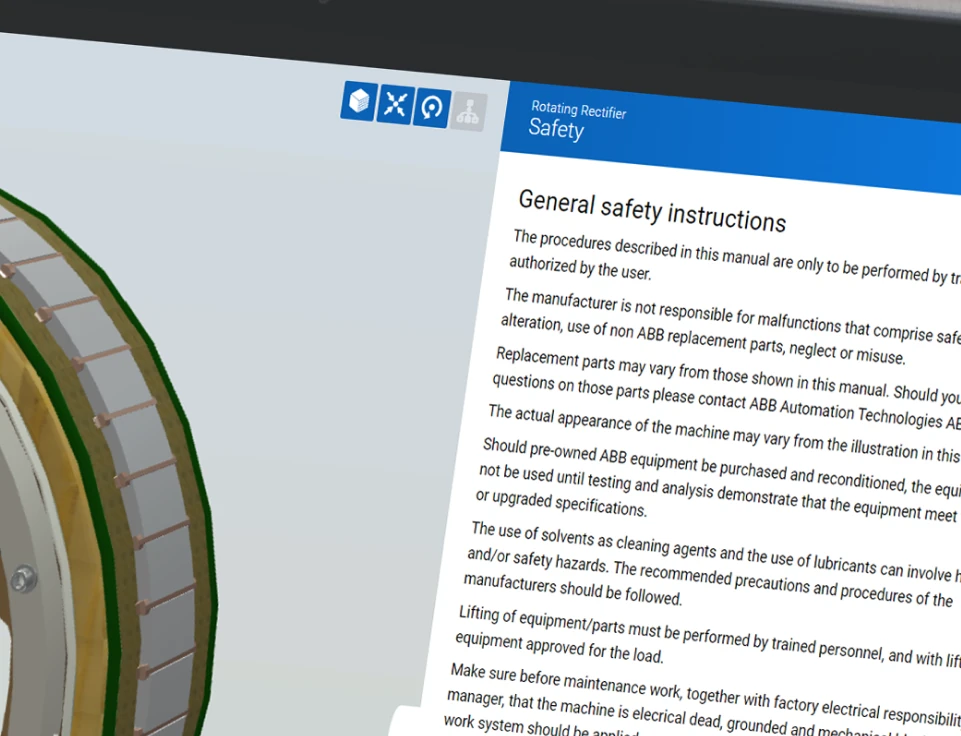
Material created for training can be reused for service, and the other way around. One source, maintained in one place.
Anipart runs in the browser for everyday use. For immersive sessions and events, the same product knowledge can be experienced in XR headsets such as Apple Vision Pro.
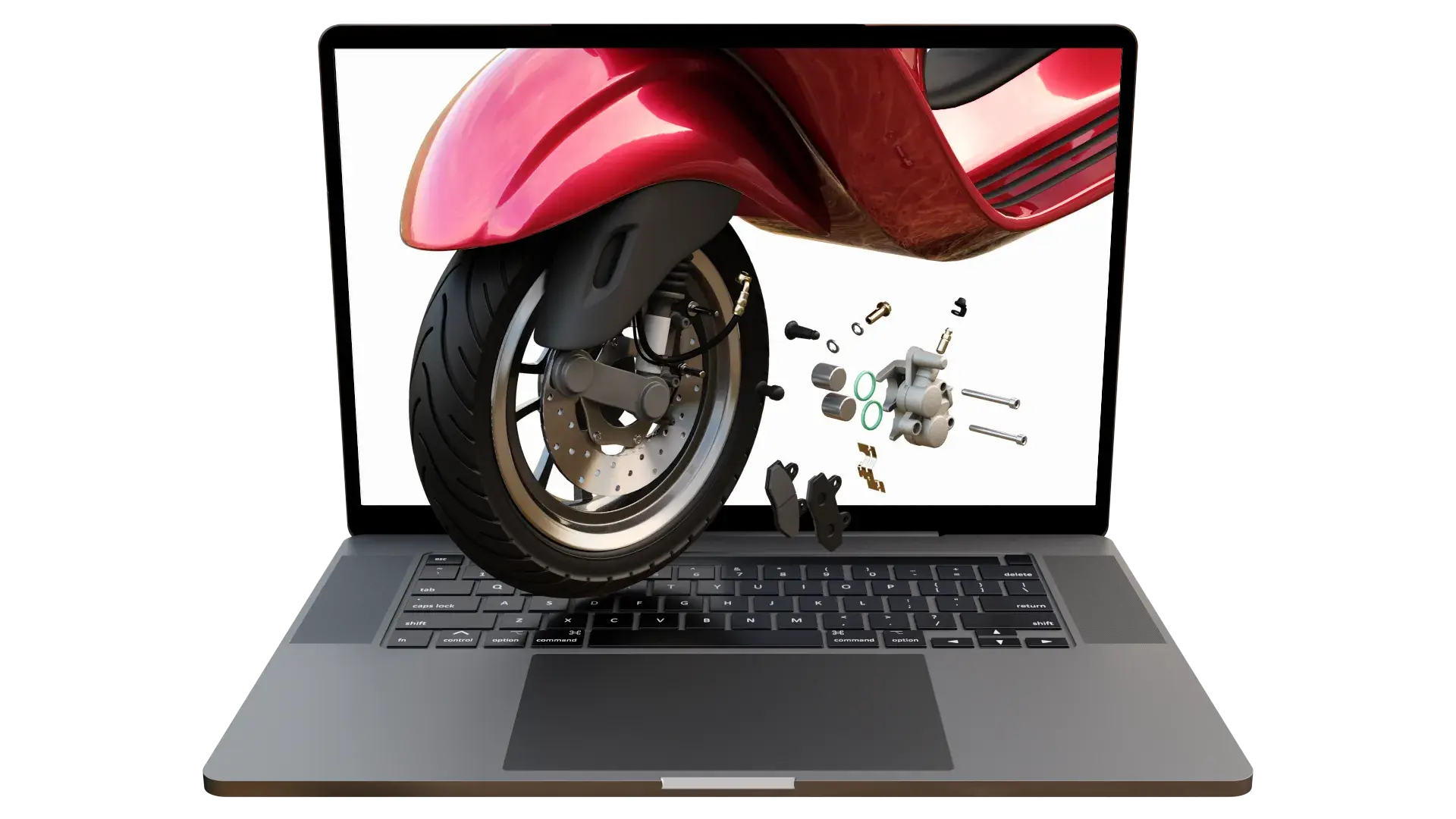
See how procedures, animations and information are connected directly to the product.
We do not rebuild your product by hand. Geometry, structure and part data come from your PDM and PLM systems, and the content is generated from the same data. That keeps the cost down and the material up to date.
Geometry, structure and part numbers, straight from the systems you already use.
Models are optimised for the web and exploded views are generated from the geometry.
Steps, animations and explanations are built in Anipart Studio on the same model used for service.
In the browser and in VR. When engineering changes, the training follows.
Anipart complements classroom training and existing learning platforms rather than replacing them.
Prepare with visual instructions
Demonstrate without a physical product
Refresh knowledge in the field
Common questions about training, devices and content.
Yes. As long as CAD data exists, training content can be created before production starts.
No. Anipart runs on any device with a browser. XR headsets such as Apple Vision Pro are an option for immersive sessions.
Yes. Anipart runs in the browser, but it does not depend on the internet. You can run it in the cloud, on premise on your own servers, or offline, for example in a workshop, on board a vessel or at a customer site without a connection. Your product data can stay inside your own environment.
Yes. Anipart content can be linked from or embedded in your LMS, so courses can include interactive 3D alongside existing material. The integration is adapted to your platform.
Your team, in Anipart Studio, after training from Animech. We can also help create all or parts of the content.
Yes. The same 3D product can be used to present and explain the product to sales teams and customers, without a physical product.
It depends on how many people you train, how much travel and machine time courses need today, and how often the product changes. The logic is simple: less travel, less downtime and faster onboarding. In a demo we go through your numbers.
Book a demo and we’ll show how Anipart could support training on your products.
We walk through your product, your parts data and your ordering flow, and come back with a clear next step.
Prefer to pick a time?
We use your details to respond to your request and keep them for up to 24 months after our last contact. Read more in our privacy policy.