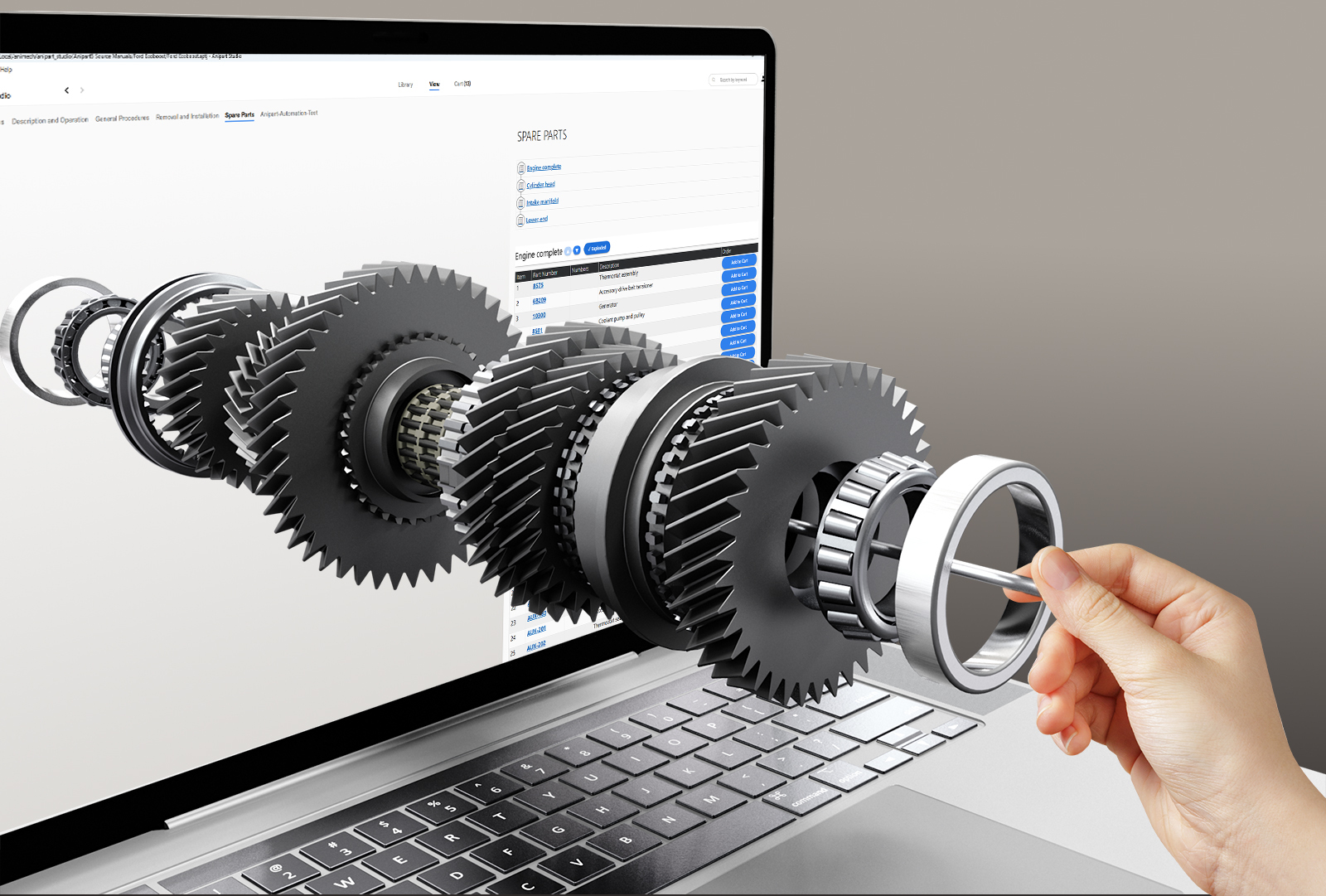
Most spare parts catalogs are built for people who already know what they are looking for. Long lists, flat drawings, part numbers. The customer who needs a replacement usually knows what broke, but not what the part is called or what its number is.
An interactive spare parts catalog starts from the other end. It starts from the product.
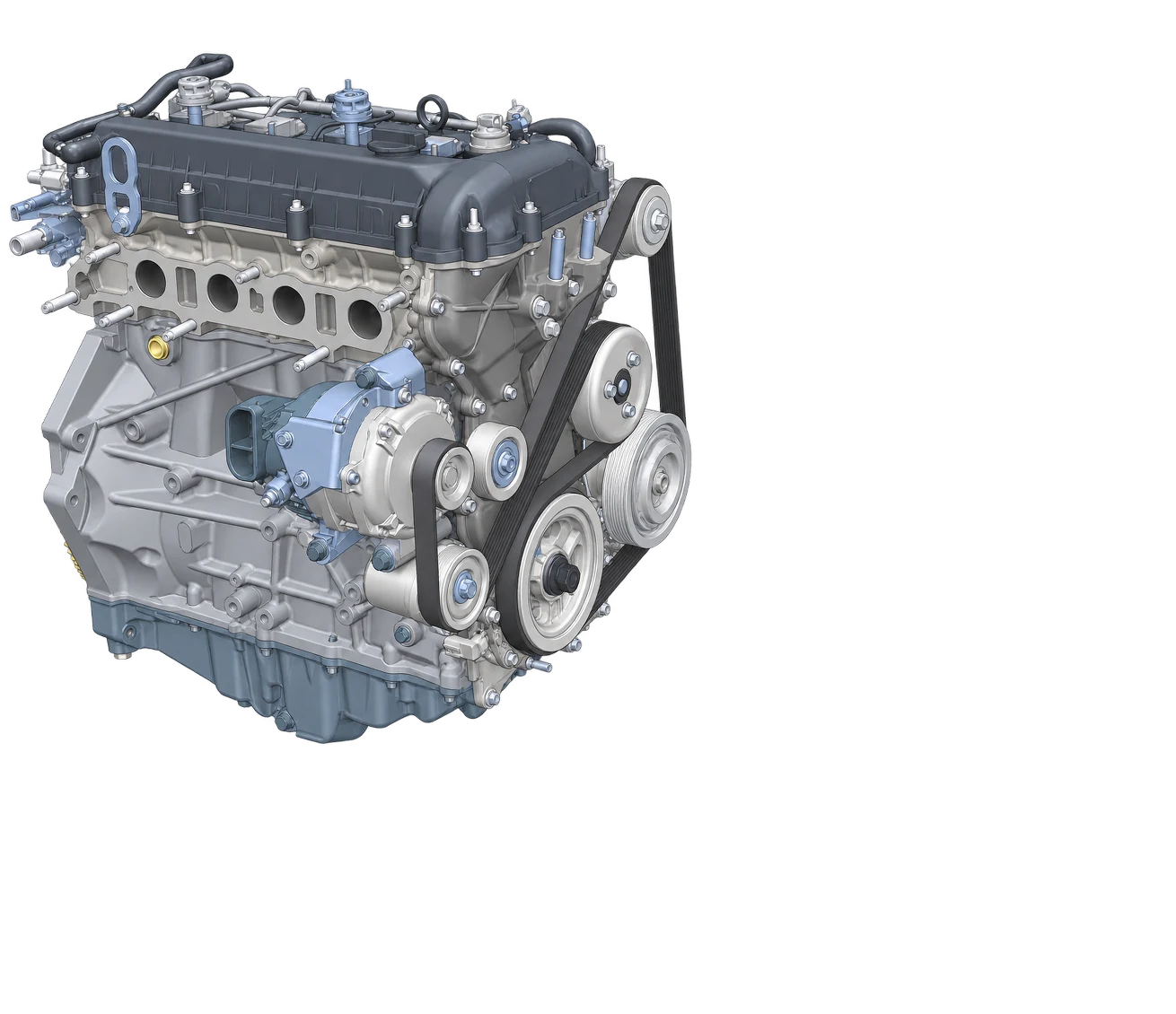
Whole product
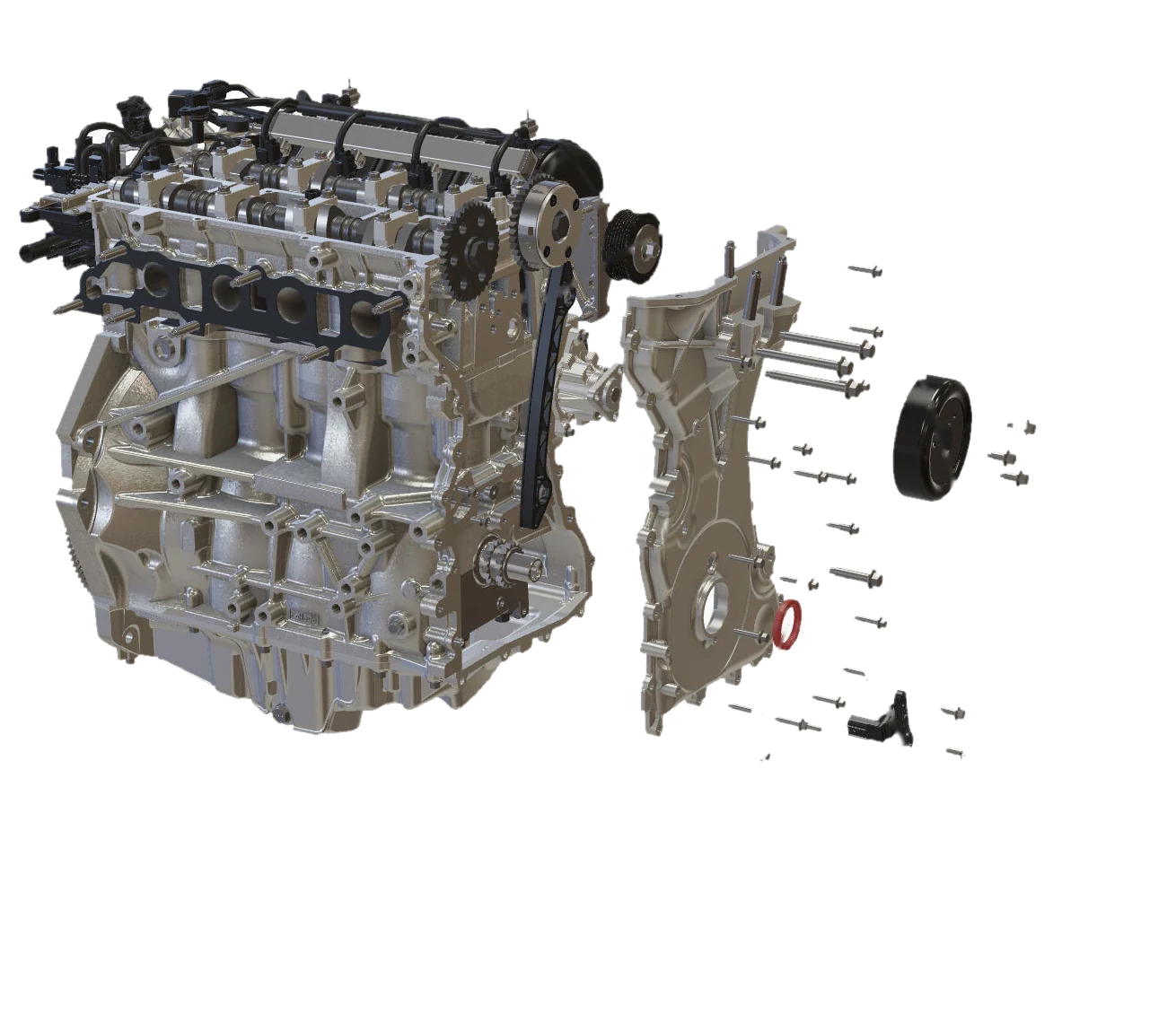
Exploded view
What is an interactive spare parts catalog?
An interactive spare parts catalog shows the product as an exploded view, in 2D or 3D, where every component is linked to its data: part number, name, price and, where it matters, which product variants it fits. The user clicks the part they can see instead of searching for a number they do not have.
Anipart, our platform for aftermarket product knowledge, works this way. Customers and technicians identify components visually, see part numbers and prices in context and move straight on to ordering. You can see it in practice on the Anipart spare parts page.
Why PDF and Excel parts lists stop working
Plain parts lists are easy to publish and hard to use. Three problems show up again and again.
- Identification. Customers call support, technicians guess, and the wrong part gets ordered. Every wrong order means a return and a delay.
- Age. Illustrations and parts lists are often redrawn by hand from engineering data, and the result starts to age the day it is published.
- Variants. When products are configured to order, the right part depends on the configuration. A static list cannot know which version the customer owns. Configured products need a catalog that does.
The data usually exists already. The problem is that it lives in CAD, PLM and ERP, while the people who need it sit in service, sales and workshops.
What a good interactive parts catalog needs
- Visual identification. An exploded view you can rotate and zoom, where a click on a component shows what it is.
- Data tied to geometry. Part numbers, prices and descriptions connected to the right component, not to a separate list that has to be matched by eye.
- Variant awareness. The catalog shows the parts that fit the product the customer actually has.
- A path to order. An order list or request in the same view, so identification and purchase are one step.
- Search as well. Some users do know the part number. They should not have to click through a 3D model to use it.
- Any device. Technicians work on tablets and phones, often with poor connections.
- Online or offline. Where connections are poor or data has to stay in house, the catalog should run offline or on prem. Anipart does.
- Always current. When the product changes, the catalog changes with it.
From CAD to catalog: how it is built
The traditional route is manual. Someone illustrates each product, draws exploded views and maintains the parts list by hand, again for every revision. It works, but it scales badly.
The alternative is to let the product data do the work. Anipart uses the product geometry and imported data to create structure, connect information to components and generate exploded views automatically. The approach is described on the From CAD to aftermarket page, and How Anipart works covers how content is created, managed and used.
1. Import
CAD geometry and the product data you already have, such as parts lists.
2. Connect
Structure is created and information is linked to the right components.
3. Generate
Exploded views are generated instead of drawn by hand.
4. Publish
Customers and technicians use it, and it is updated when the product changes. With Anipart Connect, updates can follow your product data automatically.
Who uses it
One catalog serves three groups. Customers find and order parts themselves. Technicians identify the right component before the visit. Support and sales staff stop describing parts over the phone and open the exact part instead. For service teams, finding the right part the first time is most of the job, which is what Anipart for service is built around.
Right to Repair raises the bar
Regulation is pushing in the same direction. EU Right to Repair rules ask manufacturers to keep repair information accessible, maintainable and accountable. A parts list that exists in several versions on a shared drive is hard to keep accurate and hard to control. Our Right to Repair page covers what the rules ask of manufacturers and how to prepare. For the background, read What is the EU Right to Repair Directive.
Five questions to ask before you choose
- Where does the data come from, and can it be reused without retyping it? Think CAD, PLM and ERP.
- Can it handle variants and configured products?
- Who keeps it up to date after launch, and how much work is that?
- Does it run in the browser on the devices your customers and technicians actually use? Real-time 3D in the browser scales differently from streamed 3D, which we compare in streamed 3D vs WebGL.
- How does a part get from the catalog into an order?
FAQ
What is an interactive spare parts catalog?
A digital catalog where the product is shown as an interactive exploded view and each component is linked to its part number, price and other data, so users identify parts visually instead of searching a list.
What is an exploded view?
A view of a product pulled apart so that each component can be seen and identified separately. In an interactive catalog you can rotate it, zoom in and click a part to see its details.
Do exploded views have to be drawn by hand?
Not necessarily. When CAD geometry and product data are available, exploded views can be generated from them instead of being redrawn for every product and revision.
Does an interactive spare parts catalog work offline?
It can. Anipart runs in the browser but does not depend on the internet. It can run in the cloud, on prem on your own servers, or offline, for example in a workshop or at a customer site without a connection.
See the part. Order the part.
Anipart connects your spare parts data to an interactive 3D model of the product. Try the demo, or see how it works for spare parts.