A 3D configurator can lift conversion, shorten sales cycles and cut errors. It can also be an expensive way to show a product that did not need it. This guide helps you decide whether you need one, what to look for, and which questions to ask any vendor, including us.
What a 3D configurator does
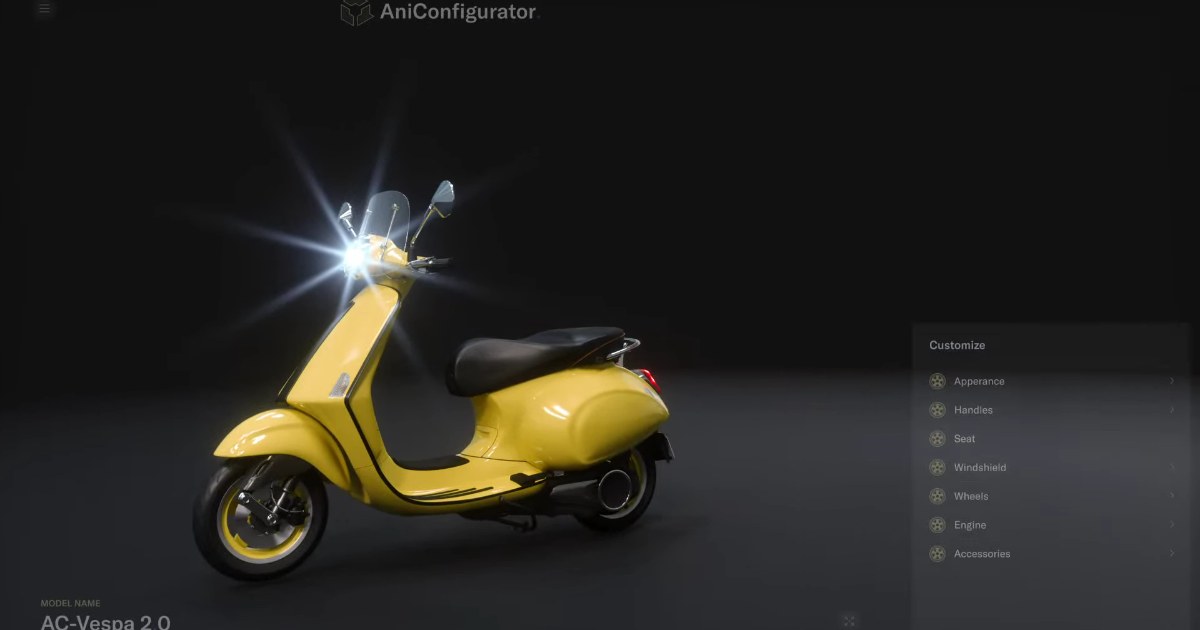
A 3D configurator lets a customer, partner or salesperson build a product from its real options and see the result in 3D as they go. The best ones do more than show a picture. They apply your product rules so that only valid combinations are possible, and they produce the data behind the choice: a price, a parts list, a quote or an order.
Start with the product, not the tool
Most failed configurator projects start with the technology. Start with the product and ask how complex it really is.
- Few options, few rules. A handful of colours on a finished product. Photos or a simple picker are usually enough.
- Many options, many rules. Variants that depend on each other, parts that must fit, and combinations that must be blocked. This is where a rule-driven 3D configurator pays off.
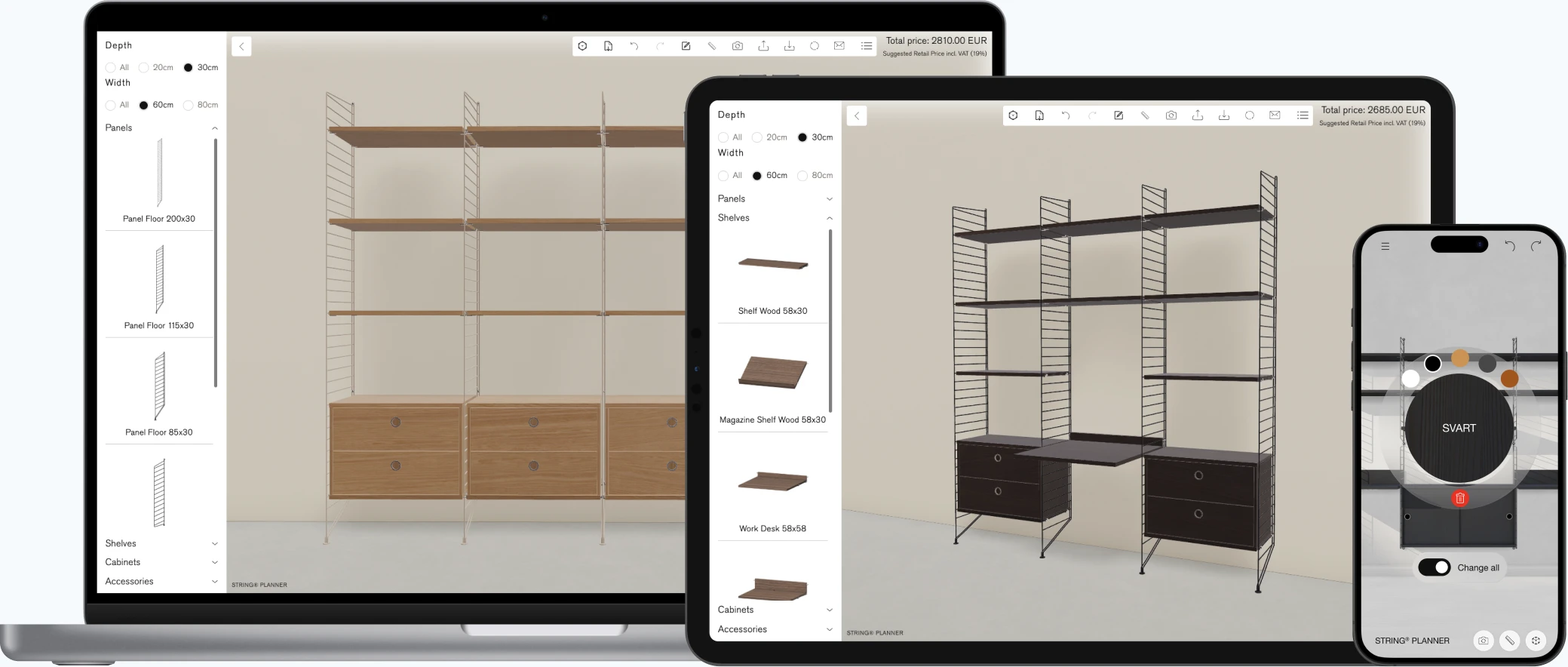
- Spatial or modular products. Shelving, wardrobes, workstations and machines that are planned in a space. These need planning logic and not only a product viewer.
Three kinds of solution
Simple visual pickers
Swap a colour or a material on a 2D image or a basic 3D model. Fast and cheap to set up, but they do not handle rules, pricing or complex products.
Webshop plugins
Configurators built into an e-commerce platform. They fit simple products that are sold through the shop, and they are limited by what the platform allows.
Rule-driven real-time 3D configurators
Built around your product data, with rules, pricing and order output, and real-time 3D in the browser. This is the category Animech works in with Aniconfigurator. It fits complex products and sales processes, and it takes more effort to set up.
Seven questions to ask any vendor
- Can it handle our rules and variants? Ask to see a real example with dependent options, not a demo with three colours.
- How does it use our CAD data? CAD files are heavy and must be prepared. Ask how, and who does it.
- What does it connect to? ERP, PIM, CPQ, webshop and CRM. A configurator that stands alone creates manual work later.
- Does it perform on ordinary devices? Real-time 3D in the browser runs on WebGL. Test it on a normal laptop and a phone, not on the vendor’s workstation.
- What comes out at the end? A picture is not enough. You need price, parts list, quote or order data.
- How is it kept up to date? Products change all the time. Ask how updates work and how much can be automated from your PLM, PDM and PIM data.
- What does it cost to own? Licence, implementation and maintenance. Ask for a pilot so that you pay for proof before you pay for scale.
When a 3D configurator is not the answer
- The product is simple and a few photos explain it.
- You only need images or film once. 3D visualization is the faster route.
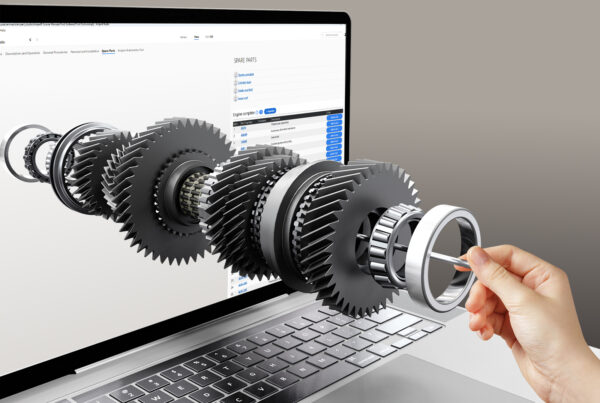
- Your need is spare parts, manuals or service. That is a different tool, such as Anipart.
- There is no product data and nobody who owns it. A configurator is only as correct as the data behind it.
How to run a pilot
Pick one product family and one use, for example B2B quoting or a customer-facing configurator in your webshop. Agree in advance what success means, such as fewer quote errors, shorter lead time or higher conversion. A pilot of this kind typically takes about four weeks. Read more about how to buy.
Frequently asked questions
What is a 3D product configurator?
A tool where customers, partners or salespeople build a product from its real options and see the result in 3D. A good one applies your product rules and produces a price, parts list, quote or order.
How much does a 3D configurator cost?
It depends on the number of products, the complexity of the rules and the integrations. A typical model is a licence plus implementation, and a pilot is a good way to limit the risk. Read how to buy.
Do we need 3D models to start?
Not always, but CAD data helps a lot. Existing CAD models can be prepared for the web. Without them, models have to be built from drawings or photos, which adds effort.
Is a 3D configurator right for simple products?
Usually not. If a product has few options and no rules, photos or a simple picker are cheaper and just as clear.
Not sure a configurator is right for your product?
Show us your product and your sales process. We will tell you honestly whether Aniconfigurator fits, and when it does not.