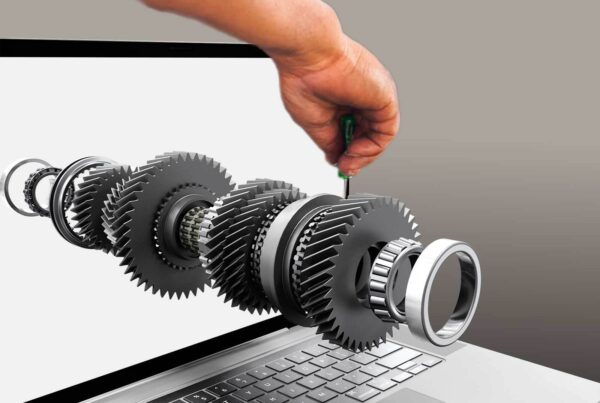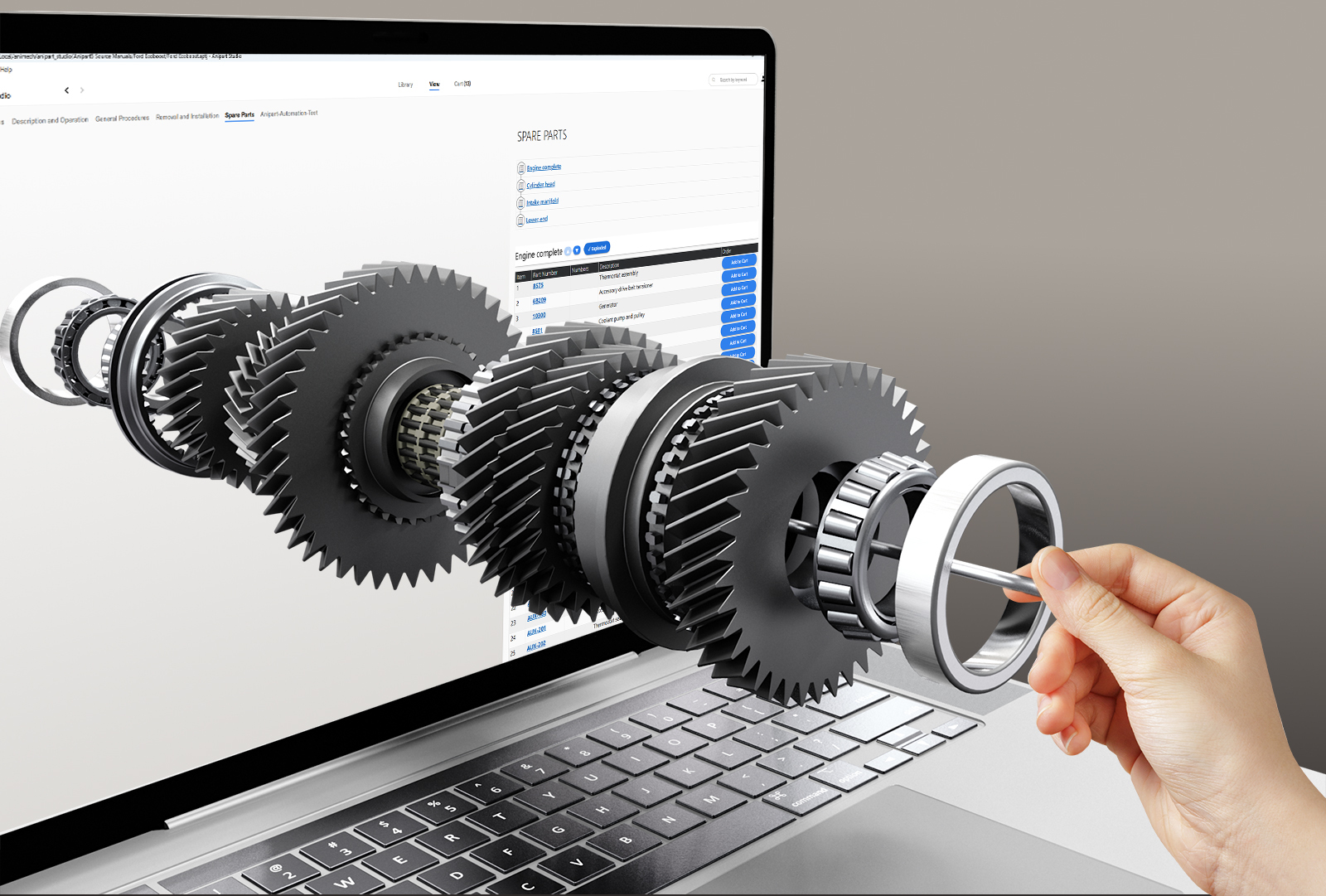
Service manuals are among the most expensive documents a manufacturer produces, and among the first to go out of date. Many are still built by hand from CAD: exploded drawings, part lists and step instructions that have to be redone for every revision and variant. Automation changes that.
What is a 3D service manual?
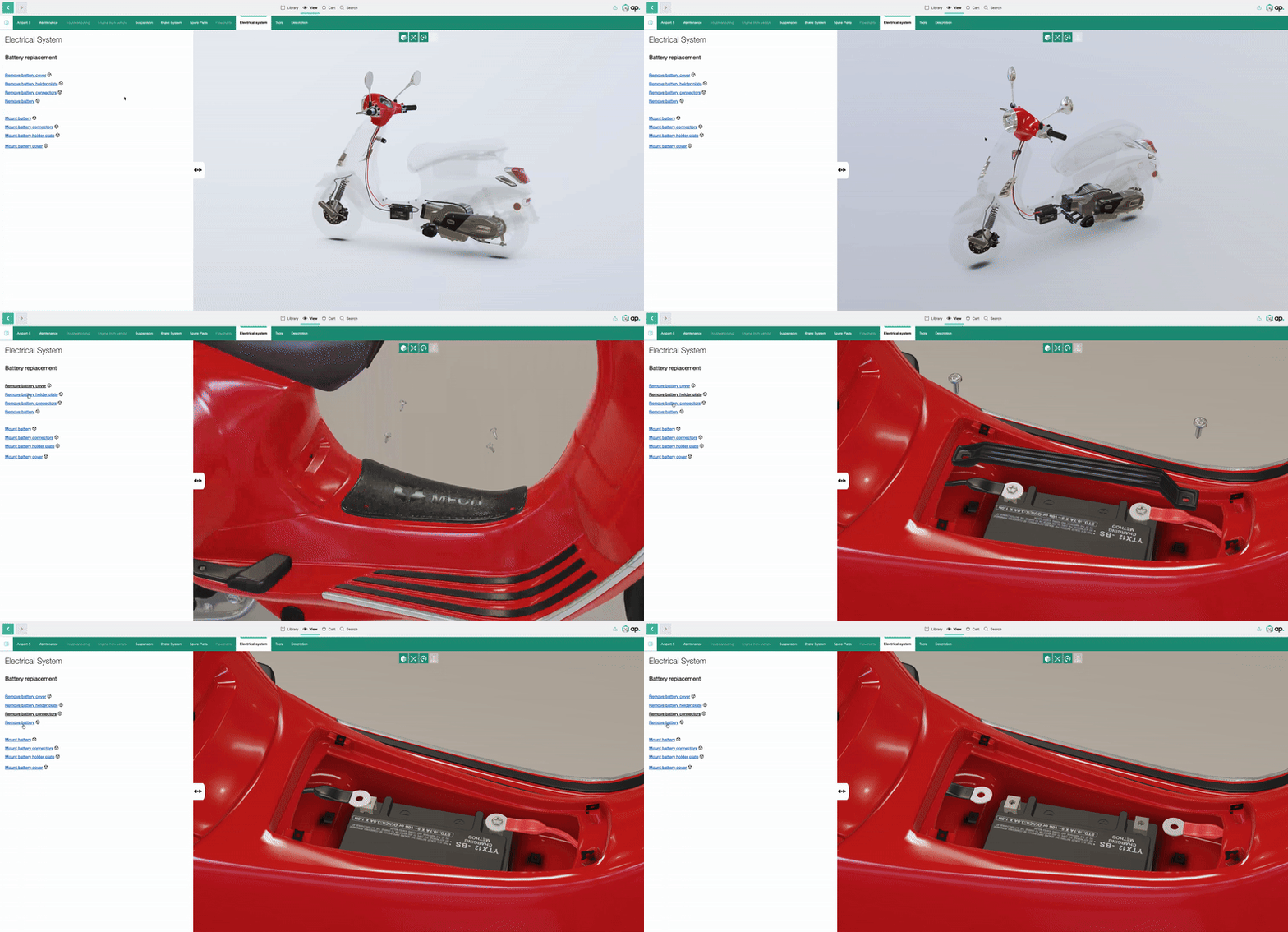
A 3D service manual shows a procedure on the real product model. The technician sees which part is involved, where it sits, which parts must come off first and which part number to order, and can rotate, open up and zoom the product while following the steps. It runs in the browser, so it works on a tablet at the machine or on a phone through a QR code.
Why manual documentation breaks down
- Every revision changes drawings and part numbers.
- Every variant needs its own version of the manual.
- Several languages multiply the work.
- PDFs and 2D drawings are hard to search and easy to misread.
- Engineering, service and spare parts keep their own versions, and they drift apart.
How the automation works
The raw material already exists in your engineering systems. The task is to turn it into usable documentation without redoing it by hand.
- CAD and product structure. Assemblies and parts from CAD, with the product structure from your PDM or PLM system.
- Part data. Part numbers, names and relations from the same systems, so the manual and the spare parts catalog share one source.
- Generated 3D content. Models are prepared and structured automatically so that parts can be highlighted, separated and exploded.
- Procedures. Service steps are connected to the parts they involve and reviewed by your technical authors.
- Publishing. To the web, a tablet or a QR code, and refreshed when the underlying data changes.
Anipart Connect
Anipart Connect is Animech’s new technology for automating this. It creates the content for Anipart, our interactive 3D spare parts catalogs and service manuals, from your existing CAD and PLM data. Material that used to be built by hand for each product can be generated from data you already have. See how Anipart for service and CAD to aftermarket work.
What stays human
Automation does not replace technical authors. Someone still has to decide what the procedure is, approve safety information and check that the result is right. What changes is that they review and refine, instead of building every manual from scratch.
What you need to get started
- CAD models of the product.
- The product structure and part numbers from your PDM or PLM system.
- The service procedures you already have, even as documents or video.
- One product to start with.
Why it matters for Right to Repair
Repair information is becoming a bigger part of what customers and regulators expect. Documentation that stays current and is easy to find makes it easier to meet that expectation. Read more in Right to Repair.
Common mistakes
- Building the manual separately from the spare parts catalog, so part numbers drift apart.
- Starting with the whole product range instead of one product.
- Treating it as a one-off project instead of a process that updates itself.
- Skipping review. Automated content still needs approval from people who know the product.
How to get started
Start with one product, ideally one with many variants or frequent revisions. Connect the CAD and the product structure, generate the first manual and let a technician use it. A pilot of this kind typically takes about four weeks. If you also need a parts catalog, read about the interactive spare parts catalog.
Frequently asked questions
What is the difference between a 3D service manual and a PDF manual?
A PDF is static and has to be rebuilt for every change. A 3D manual is interactive, linked to part data and can be refreshed when the data changes.
Do we need a PLM system?
A PDM or PLM system makes automation much easier because it holds the product structure. Without one, the structure has to be supplied in another form.
Can the same data feed both the manual and the spare parts catalog?
Yes. That is the point of working from one source: part numbers and structure match in both.
Who approves the content?
Your technical authors and service experts. Automation prepares the material and people approve it.
Does a 3D service manual work offline?
Yes. Anipart runs in the browser but does not depend on the internet. It can run in the cloud, on prem on your own servers, or offline, so technicians can follow the instructions on site without a connection.
Automate your service manuals from CAD.
Anipart turns your CAD and PLM data into interactive 3D spare parts catalogs and service manuals. Show us a product and we will show you the result.